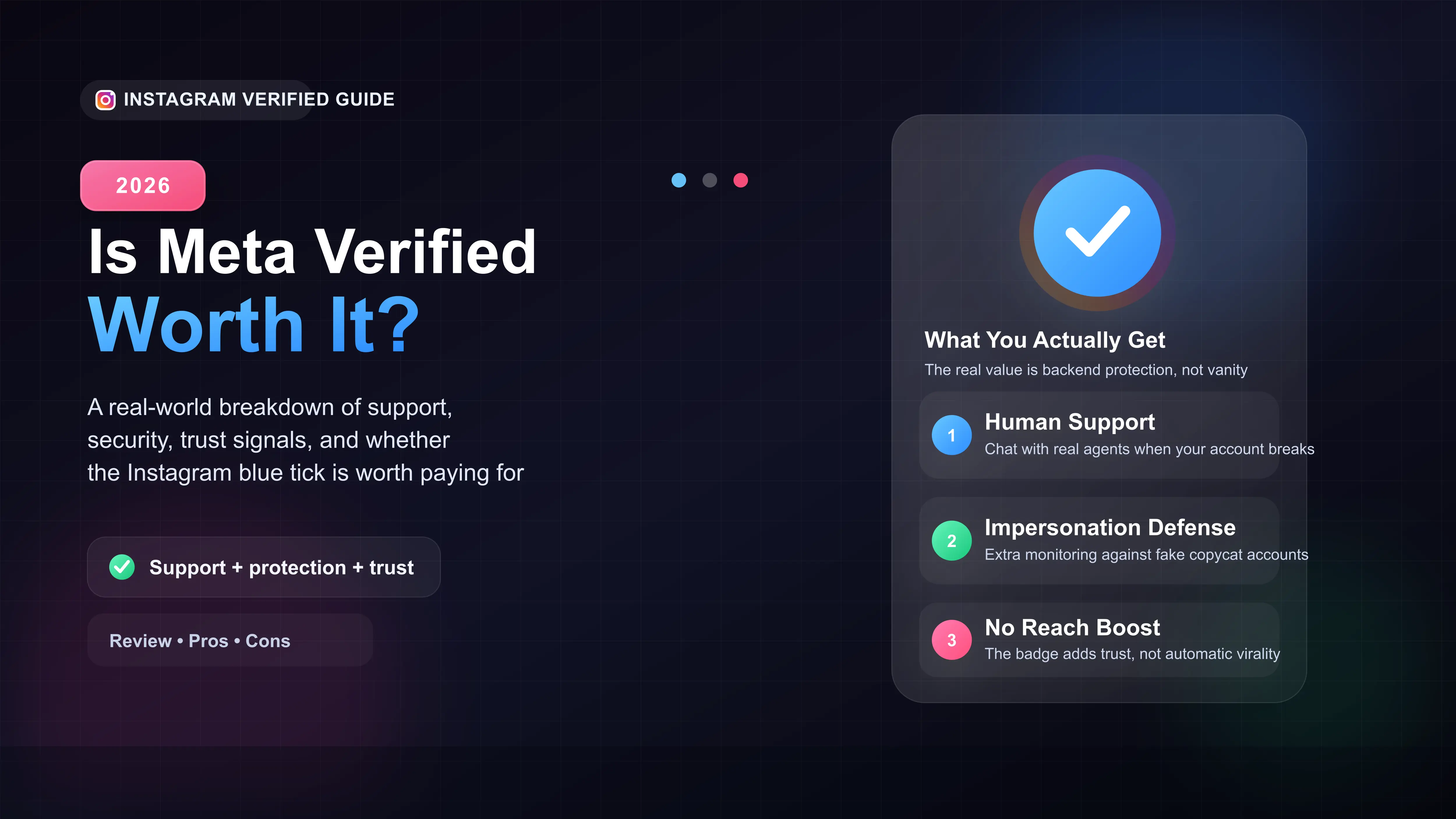
Meta Verified gives you direct access to live customer support agents.
It costs around $15 a month and requires a government ID for approval.
The blue checkmark does not boost your algorithm reach or make you go viral.
It is highly recommended for businesses and creators as an account insurance policy.
The Short Answer: Should You Buy Meta Verified?
If you run a business or build your brand on Instagram, Meta Verified is worth the monthly cost. The biggest benefit is not the blue checkmark—it is the access to real, human customer support if your account ever gets locked or hacked.
However, if you just use Instagram for fun and do not rely on it for income, save your money. The blue tick will not magically make your posts go viral.
The Real Benefits of the Instagram Blue Tick
When Meta Verified first launched, people thought it was just a paid status symbol. After testing it extensively on our own accounts, we found the backend tools are what actually matter.
1. Direct Customer Support (The Biggest Perk)
Before Meta Verified, trying to talk to a human at Instagram was nearly impossible. If your account was wrongly suspended, you had to rely on automated forms.
Now, paying subscribers get a direct chat option. If you face a glitch, get locked out, or deal with a false strike, you can instantly message a real support agent. For creators, this works like an insurance policy for your account.
2. Active Impersonation Protection
Scammers love stealing photos to create fake accounts. Meta Verified profiles get proactive monitoring. If someone tries to clone your page to trick your followers, Meta automatically flags and removes the fake account fast.
3. Does It Actually Increase Your Reach?
No. In our testing, the algorithm does not push your Reels or posts just because you have a blue badge. Your content still has to be good.
Meta Verified vs. Free Accounts
Here is exactly what you get for the $14.99 monthly fee compared to a standard profile.
| Feature | Standard Account | Meta Verified |
|---|---|---|
| Blue Checkmark | No | Yes |
| Live Chat Support | No (Automated forms only) | Yes (Real human agents) |
| Impersonation Defense | Basic reporting | Proactive monitoring |
How to Apply for Meta Verified on Instagram
Getting setup takes about five minutes. Just make sure you have your driver's license or passport ready.
- Open the Instagram app and go to your profile.
- Tap the three lines in the top right, then tap Settings and privacy.
- Tap Accounts Center, then select Meta Verified at the bottom.
- Choose your profile, set up your payment method, and upload your ID.
Approval usually takes less than 24 hours.








