
Turn off your ad-blocker specifically for YouTube. This is a silent penalty, not a normal bug.
If you don’t use an ad-blocker, check your browser’s tracking protection or VPN extensions. They trigger the same block.
Try opening the video in an Incognito window. If it plays perfectly, one of your extensions is the culprit.
Clear your browser’s cached images and files to wipe out the corrupted playback instructions.
On mobile, force-close the YouTube app and clear the cache. A bloated cache can cause the same endless loading wheel.
You grab your snacks, sit down, and click on a YouTube video you’ve been waiting to watch all day. But instead of playing, the video instantly skips to the very last second. You drag the red timeline bar back to the beginning, and it immediately jumps to the end again.
Or maybe it doesn’t skip. Maybe the loading circle just spins. And spins. And spins. You check your Wi-Fi—it’s working perfectly. You refresh the page—still spinning.
You aren’t crazy, and your internet isn’t broken. Millions of people have been dealing with this over the last few days. This isn’t a normal server bug. It is YouTube’s newest, silent weapon against ad-blockers. Let’s fix it so you can actually watch your video.
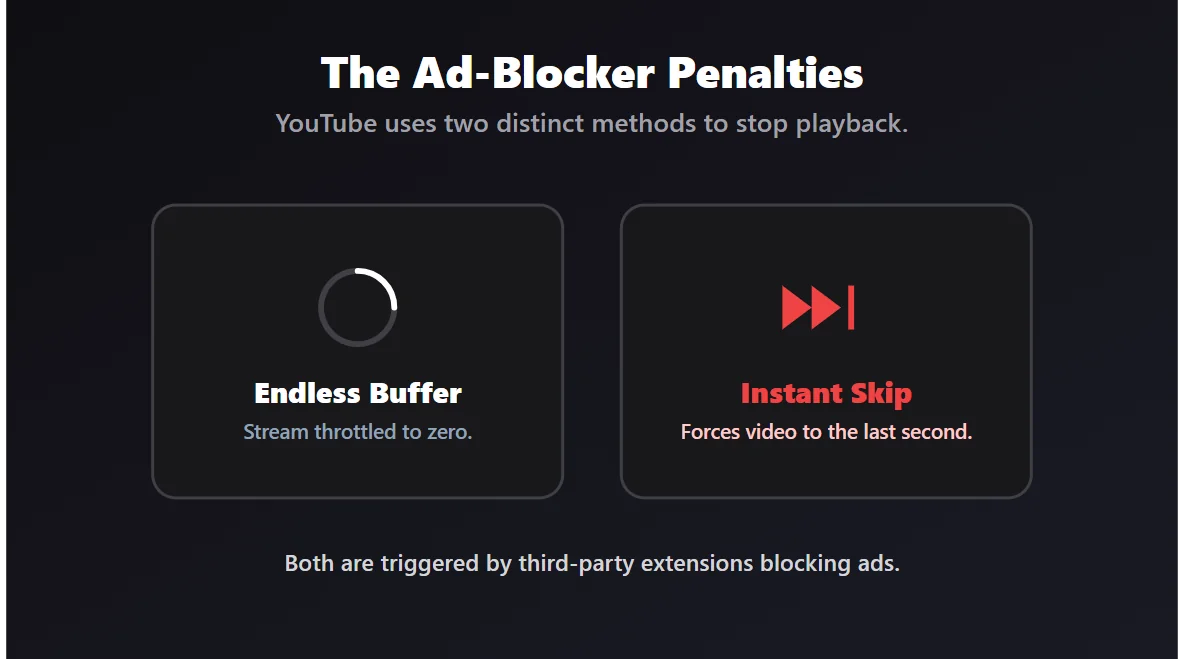
The "Instant Skip" and "Endless Buffer" Explained
In the past, if YouTube caught you using an ad-blocker, they would show you a polite little pop-up saying, "Ad blockers violate YouTube’s Terms of Service."
People ignored those pop-ups. So, YouTube changed tactics. Now, if their system detects that an extension is trying to block an ad, it simply breaks the video playback. It either refuses to load the video data (causing the endless buffer) or it fast-forwards the video to the final second so you can’t watch it.
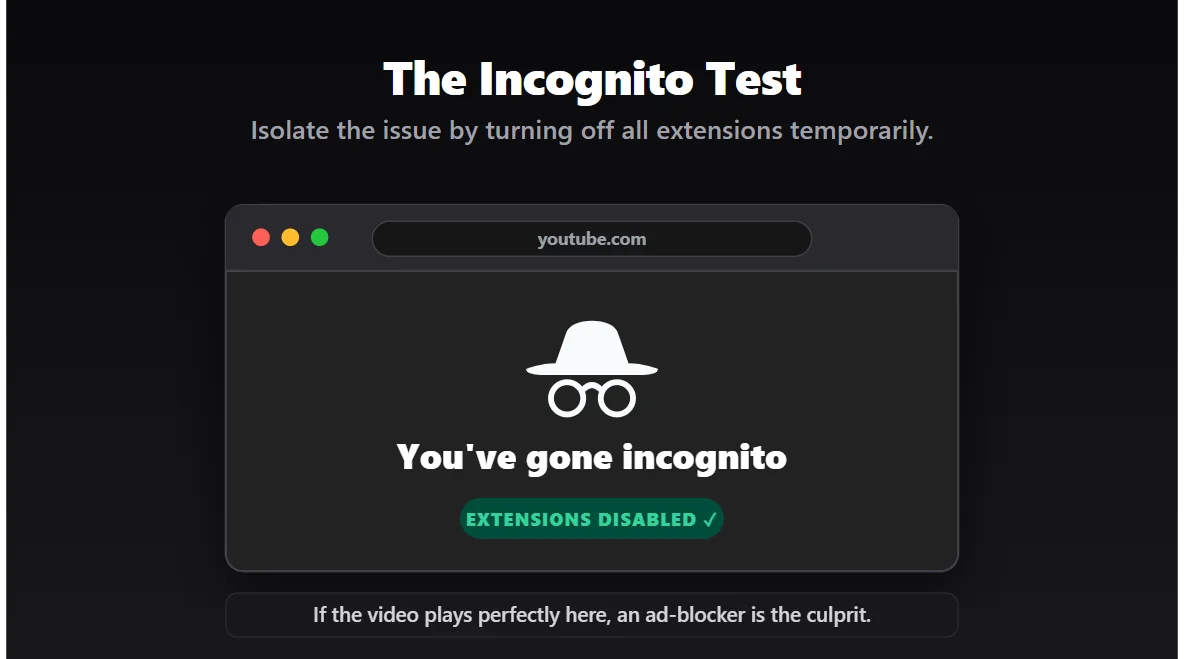
Fix #1: The Incognito Test (Find the Culprit)
Before you start deleting things, let’s prove that a browser extension is actually causing the problem.
- Copy the link of the YouTube video that refuses to play.
- Open an Incognito or Private Browsing window.
- Paste the link and hit enter.
Did the video play normally? If yes, congratulations! Your internet is fine. The problem is 100% caused by one of the extensions installed on your normal browser. Proceed to Fix #2.
Fix #2: Whitelist YouTube (The Quickest Solution)
If you are using uBlock Origin, AdBlock Plus, or any similar extension, YouTube has officially flagged it.
You don’t have to uninstall your favorite ad-blocker completely. You just need to tell it to leave YouTube alone. Click the puzzle piece icon (or the extension icon) in the top right corner of your browser, click your ad-blocker, and look for an option that says "Pause on this site" or "Turn off for YouTube."
Refresh the page. The video should play instantly.
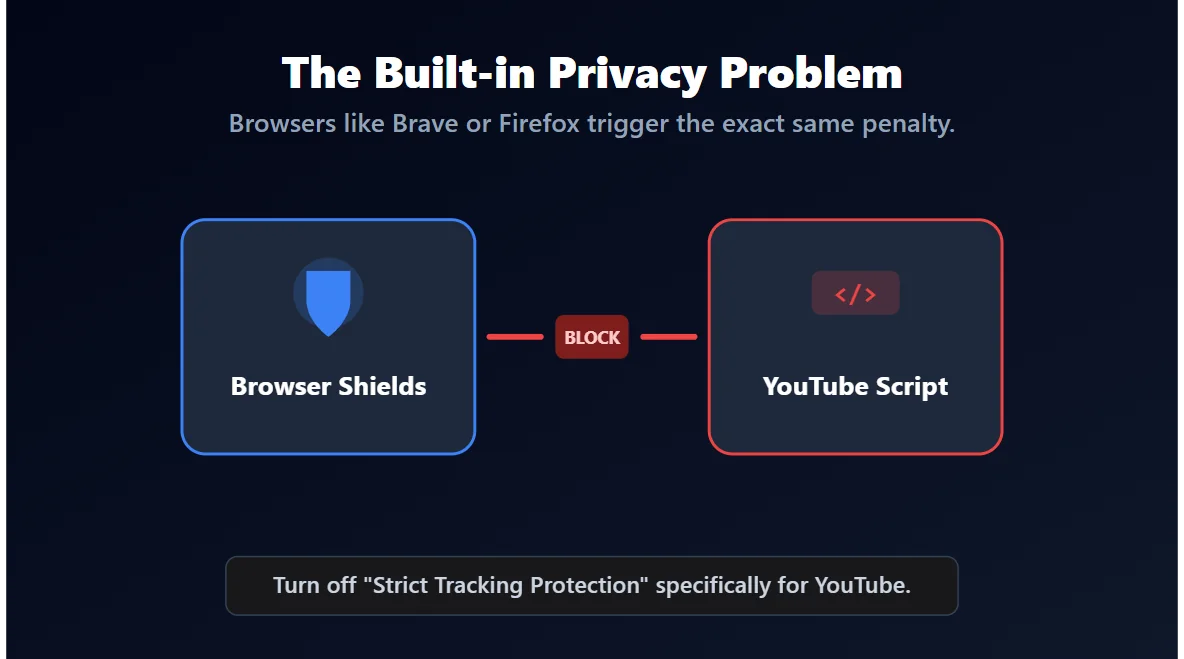
Fix #3: "But I Don’t Even Have an Ad-Blocker!"
This is where people get really frustrated. What if you never installed an ad-blocker, but your videos are still skipping to the end?
Certain browsers—like Brave, Safari, and Firefox—come with built-in "Privacy Shields" or "Strict Tracking Protection." These features block tracking scripts, which are very similar to the scripts YouTube uses to deliver ads. YouTube’s algorithm gets confused and assumes you are running a rogue ad-blocker.
- If using Brave: Click the Lion icon in the address bar and turn off "Shields" for YouTube.
- If using Firefox: Click the shield icon next to the URL and turn off "Enhanced Tracking Protection" for this site.
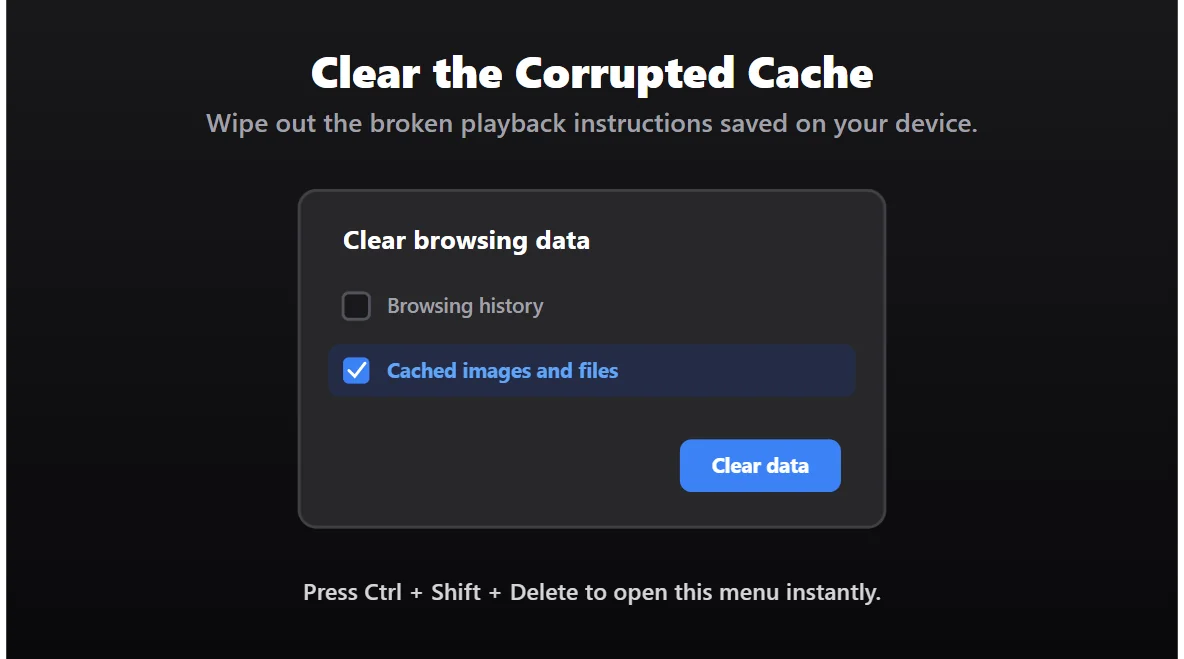
Fix #4: Clear the Bad Cache
Sometimes, even after you turn off your ad-blocker, the video still refuses to play. This happens because your browser memorized the "broken" version of the page and keeps trying to load it from memory.
You need to clear the junk. Press Ctrl + Shift + Delete (or Cmd + Shift + Delete on Mac). Choose to clear your "Cached images and files." You don’t need to delete your passwords or browsing history. Just clear the cache, close the browser, and try again.
The Bottom Line
The days of smoothly blocking every ad on YouTube without consequence are coming to an end. The skipping glitch and endless buffering are intentional roadblocks designed to annoy you into turning off your extensions (or paying for Premium).
If a video starts acting weird today, don’t blame your internet connection. Pause your ad-blocker, refresh the page, and enjoy the show.







