
Don’t panic-type your password 20 times. Instagram will temporarily lock your IP address if you do.
Switch from Wi-Fi to cellular data to bypass corrupted local network caches blocking your login.
Clear your Instagram app cache (Android) or offload the app (iOS) before trying to log back in.
If it asks for a text verification code and it doesn’t arrive, wait exactly 24 hours. Spamming the button gets you blocked.
Check your linked Facebook account. Sometimes logging in through the Meta Accounts Center bypasses the glitch entirely.
You are casually scrolling through your feed, maybe watching a Reel, and suddenly the screen goes white. A pop-up appears: "Session Expired. Please log in again." The app kicks you back to the login screen.
Your stomach drops. You immediately think: I’ve been hacked.
Take a deep breath. You are almost certainly fine. Over the last couple of days, a massive server glitch has been randomly kicking thousands of users out of their Instagram accounts. Your password wasn’t stolen; Meta’s servers just tripped over their own shoelaces. Here is exactly what you should do (and what you should definitely NOT do) to get back into your account safely.
Rule #1: Stop Spamming Your Password
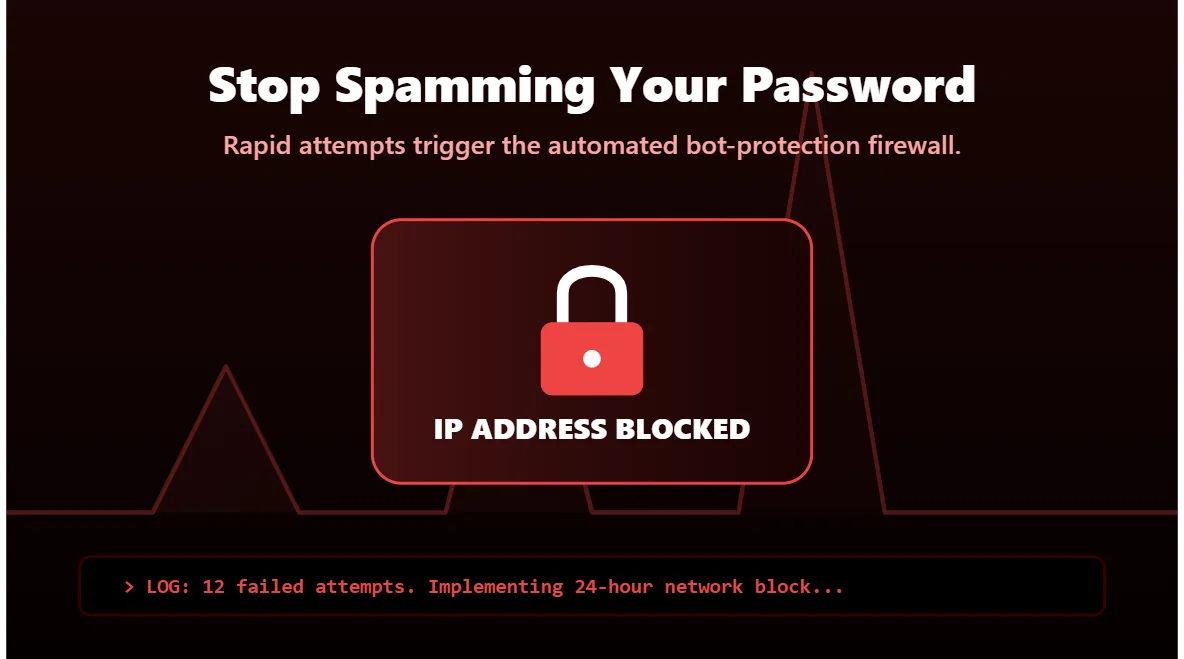
When people get logged out, panic sets in. They type their password, it says "Incorrect," so they type it again. And again. And again.
Do not do this. If the server is glitching, it isn’t actually checking your password; it’s just blanket-rejecting everything. If you try to log in 10 times in a row, Instagram’s automated security will assume you are a bot trying to brute-force the account. They will lock your IP address for 24 hours.
If your correct password fails twice, stop. Put the phone down for an hour.
The "Network Switch" Trick
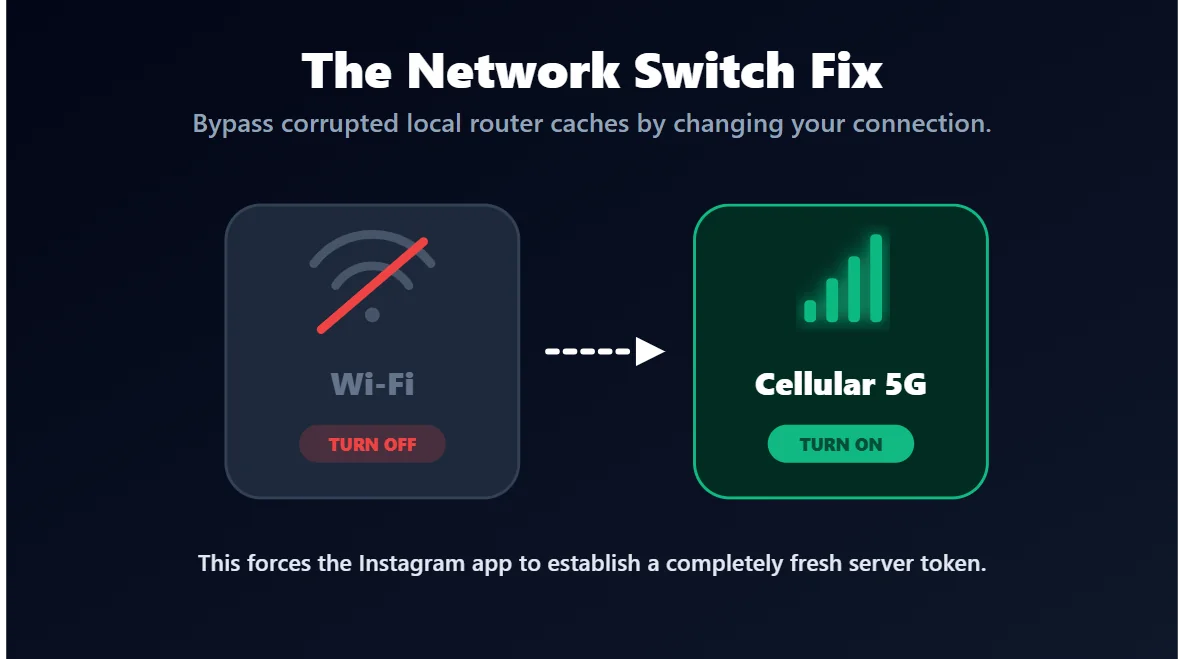
Often, the "Session Expired" loop gets stuck in your phone’s local internet cache. Your Wi-Fi router keeps sending the same corrupted login request to Instagram.
The fix is ridiculously simple:
- Turn off your Wi-Fi.
- Turn on your Cellular Data (4G/5G).
- Force-close the Instagram app (swipe it away completely).
- Reopen it and try logging in again.
By switching networks, you force Instagram to generate a fresh, clean connection to its servers. Half the time, this instantly solves the problem.
The SMS Code Black Hole
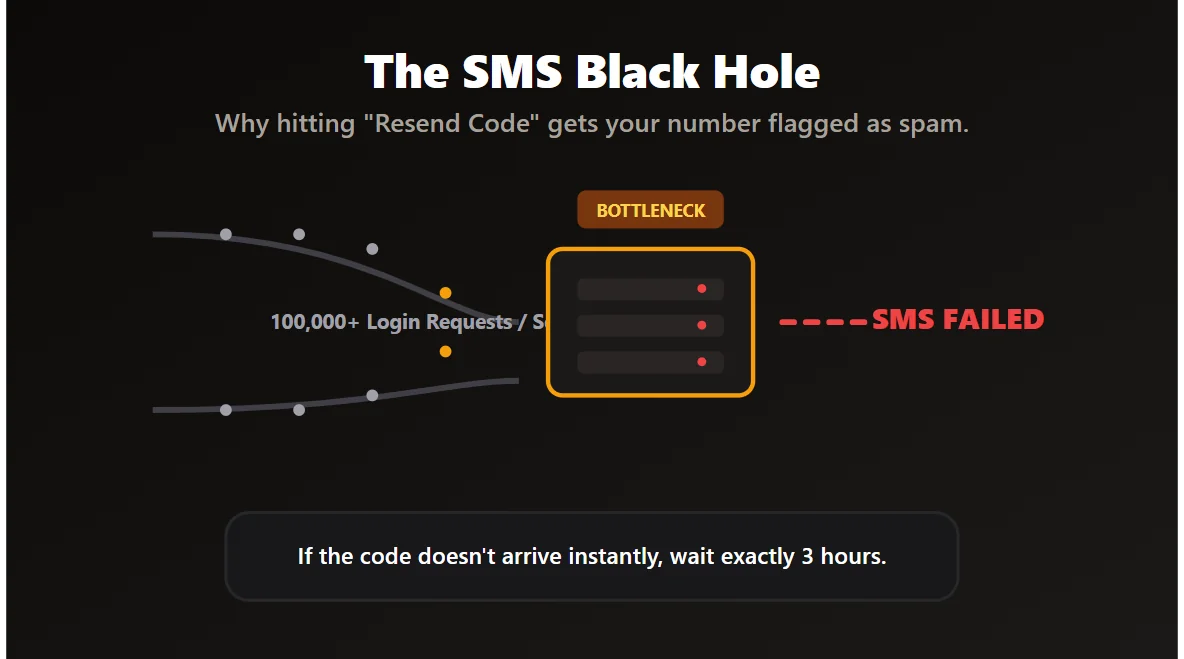
Let’s say you try to log in, and Instagram says, "We sent a 6-digit code to your phone." You wait. Nothing arrives. You hit "Resend." Still nothing.
When Instagram goes down globally, their SMS verification system gets incredibly overloaded. Millions of people are requesting texts at the exact same second. If you hit "Resend Code" more than three times, the system will flag your phone number as spam and block it entirely for a day.
The Facebook Backdoor (Meta Accounts Center)
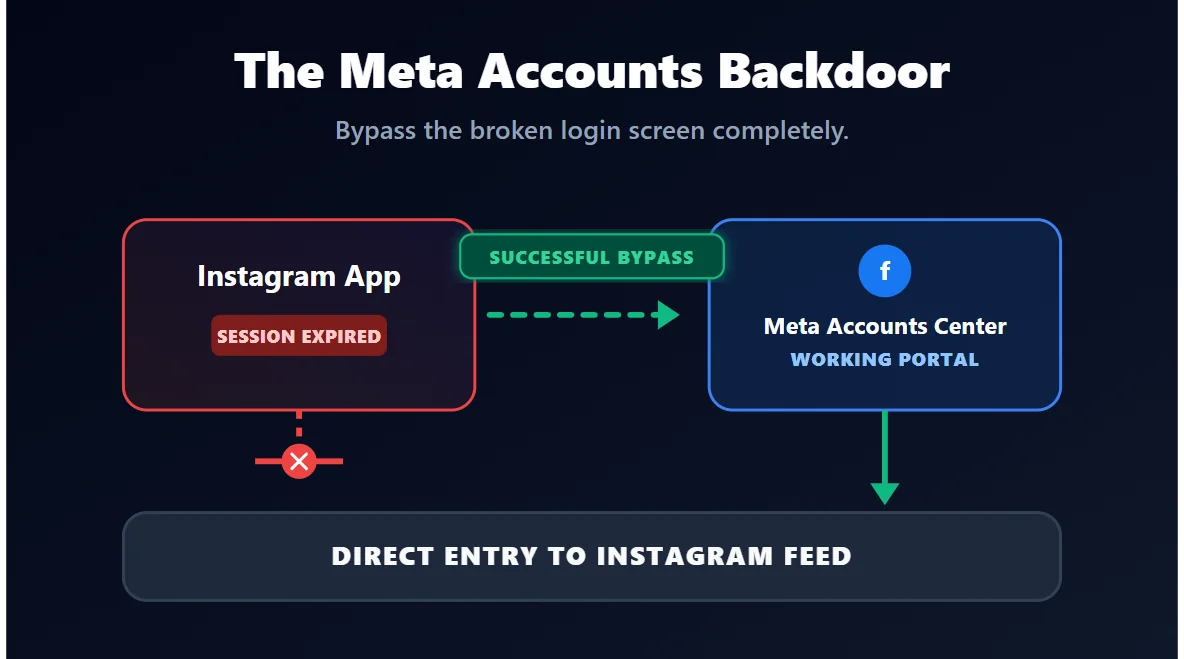
If you linked your Facebook and Instagram accounts in the past, you have a secret weapon. The "Session Expired" bug usually only affects the Instagram login portal. The Facebook portal is often perfectly fine.
On the login screen, instead of typing your username and password, look for the "Log in with Facebook" button. Because your accounts are tied together in the Meta Accounts Center, this backdoor bypasses the broken Instagram login screen entirely and drops you right back into your feed.
When Should You Actually Worry?
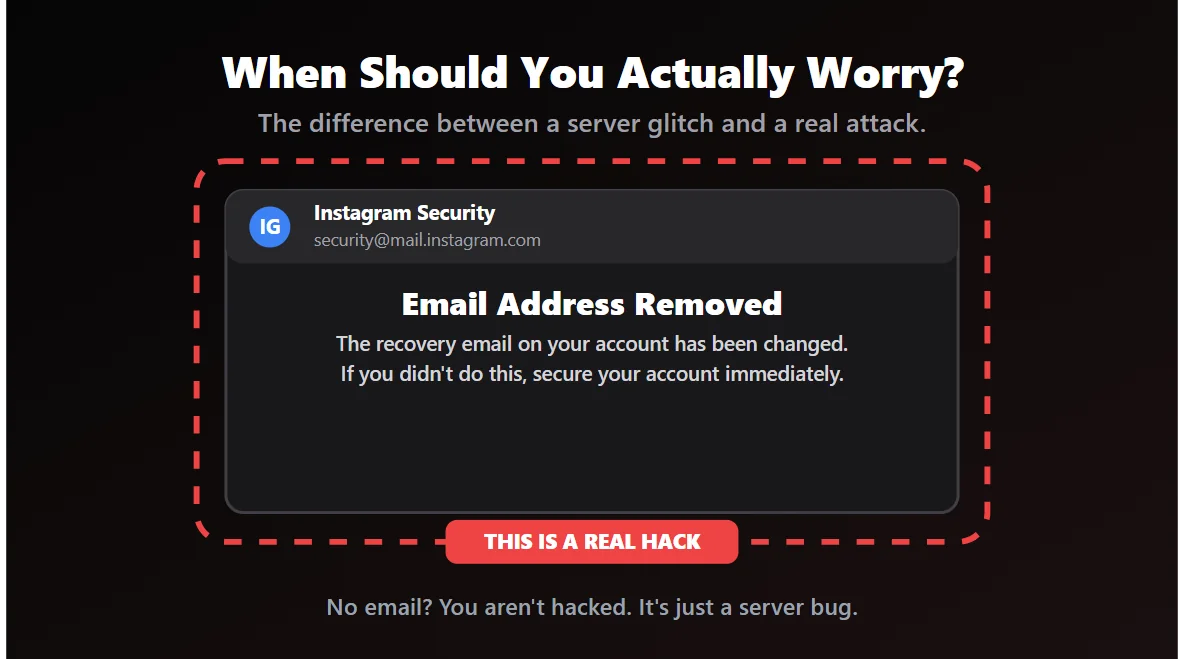
I told you not to panic, but there are a few red flags that mean a hacker actually did get in. You should only be worried if:
- You receive an email from Instagram saying "Your email address was changed."
- Your friends text you saying your account is posting weird crypto scams on your Stories.
- You try to reset your password, and the recovery email shown on the screen is not yours.
If none of these things happened, you are completely safe. You are just a victim of a bad server update.
The Bottom Line
Getting unexpectedly booted out of an app that holds all your photos, messages, and memories is terrifying. But remember: technology breaks. When you see "Session Expired" randomly, assume it is a Meta issue, not a hacker issue.
Clear your cache, switch your internet connection, give the servers a few hours to cool down, and you will be back to scrolling before you know it.







