
Never delete a muted draft. You can usually recover the video by simply re-adding the original track from the search menu.
A bloated app cache is the #1 reason your lip-sync suddenly looks a half-second late. Clear it.
Use the 1-second blank voiceover trick to force the app to wake up your original muffled audio.
Stop treating TikTok drafts like a secure hard drive. They are temporary workbenches.
Always hit the Save to Device button before leaving a high-effort edit in your drafts folder.
You spent an hour getting the lip-sync perfect, saved it to Drafts, and went to sleep. You wake up, open the app, and the audio is completely gone. Or worse, the music is there but your lips are moving a half-second too late.
You didn’t do anything wrong. TikTok’s draft infrastructure is notoriously fragile, especially after a silent overnight app update. Before you delete the video out of frustration and start over, take a breath. Most draft sound failures are just broken internal links or cache glitches. You can fix them without re-recording.
Why Do TikTok Draft Sounds Keep Breaking?
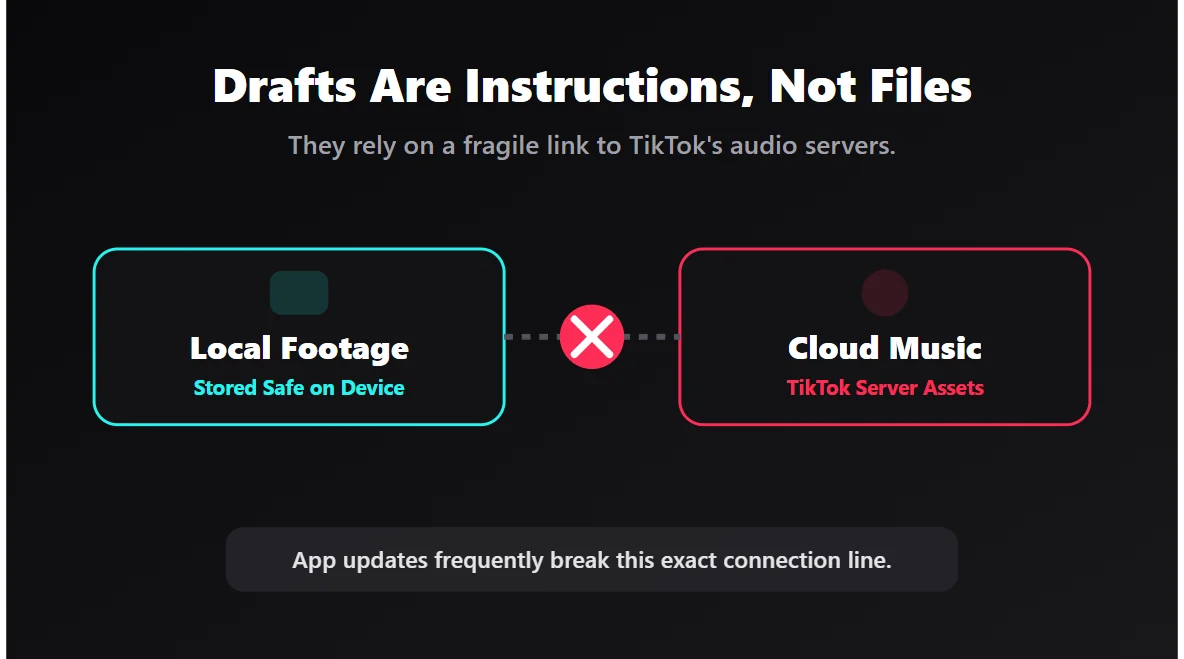
Here is the reality: a TikTok draft isn’t a real, finished video file. It is essentially a messy folder of instructions. It tells your phone, "Play this video clip, apply this filter, and stream this specific song from the TikTok server."
When TikTok updates its app or changes a music license, that set of instructions gets scrambled. A video that played perfectly yesterday opens today with a missing track or broken sync because the app forgot where it put the audio file.
Is my phone broken or is it TikTok?
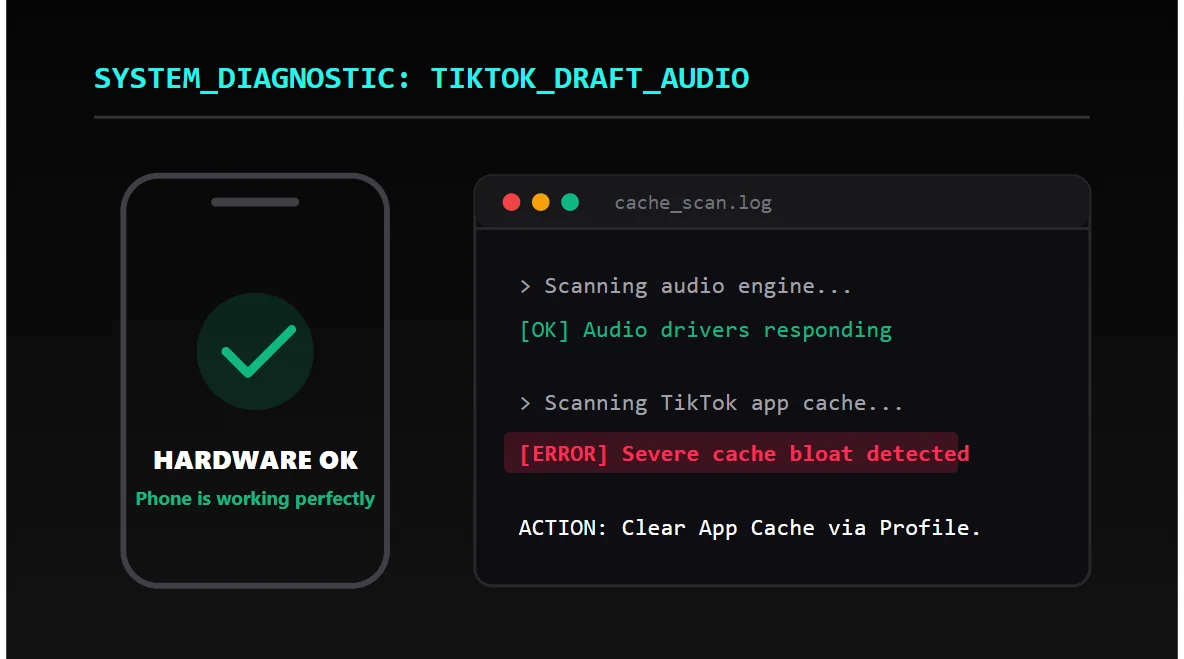
It is almost always TikTok. However, your phone’s temporary storage (cache) is what the app uses to keep the draft stable. When that temporary storage gets bloated, timing issues and missing sounds happen.
The "Unavailable Sound" Fix
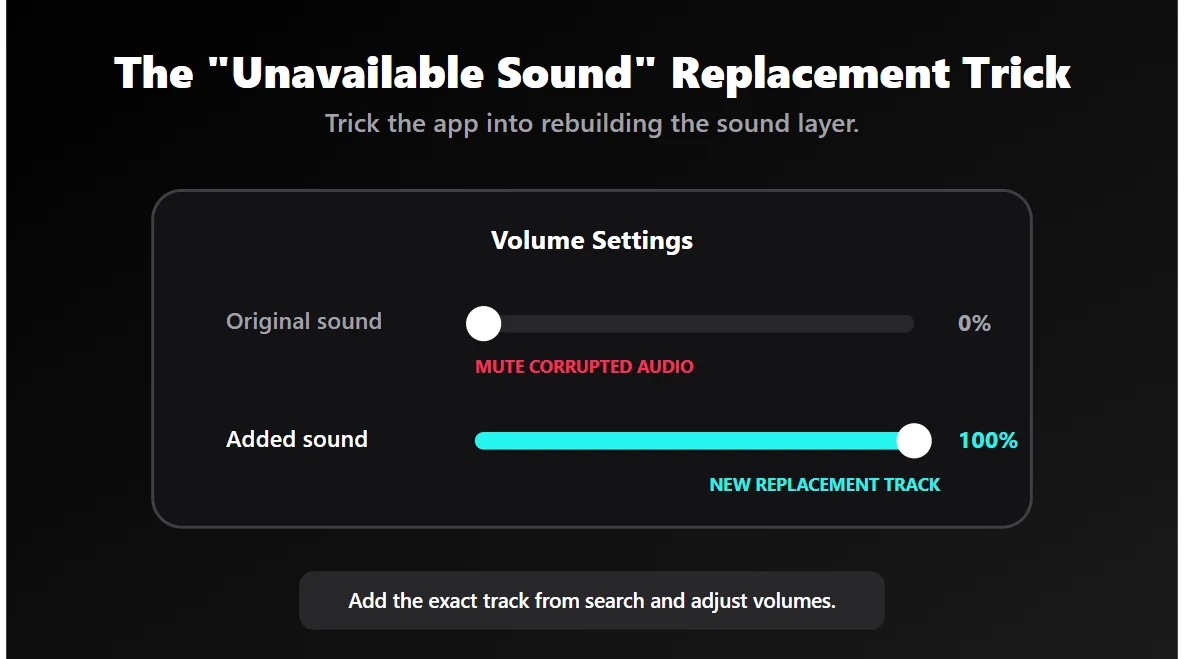
If your draft opens with a missing song or the dreaded "This sound is unavailable" message, do not throw the edit away. You just need to rebuild the sound layer.
Open the draft, tap the Add Sound option at the top, and search for the exact same song. Add it back in. Then, tap the volume settings, drop the "Original Sound" to zero (if it’s corrupted), and turn the "Added Sound" up to 100%. You’ve basically tricked the app into fixing itself.
| The Glitch | The Actual Cause | The Quick Fix |
|---|---|---|
| Sound disappeared completely | Broken internal audio link | Re-add the exact same track manually |
| "This sound is unavailable" | Copyright strike or removed audio | Search and attach a similar replacement track |
| Lip sync is visibly delayed | Cache conflict during playback | Clear TikTok cache and restart the app |
| Original speaking voice is muted | Voice channel failed to load | Add a 1-second blank voiceover |
How to Fix That Annoying Lip-Sync Delay
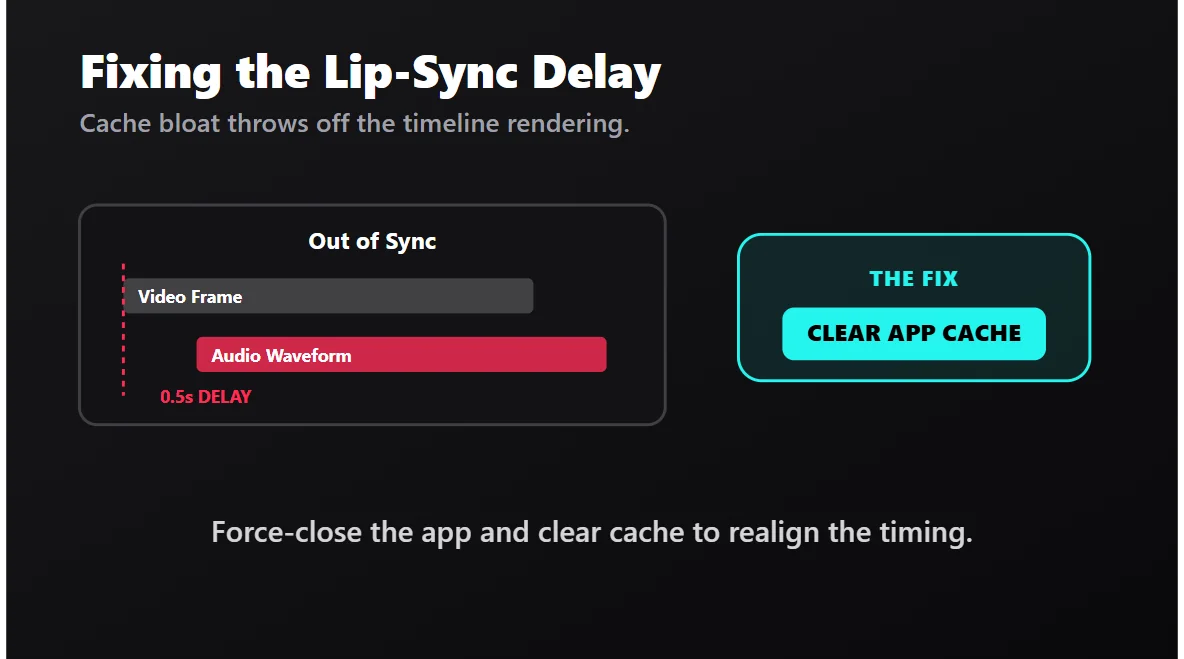
This is the bug that drives creators insane. The sound is technically there, but it feels completely off. A half-second delay ruins everything. The immediate fix is clearing the app cache.
Exit the draft. Go to your profile, tap the three lines in the corner, and head to Settings and Privacy. Scroll down to Free up space and tap Clear Cache. Close the TikTok app completely (swipe it away), and reopen it.
This clears out the junk files that were distorting the playback timing. When you open the draft again, the app is forced to load the timeline cleanly.
The Blank Voiceover Trick (For Muted Original Audio)
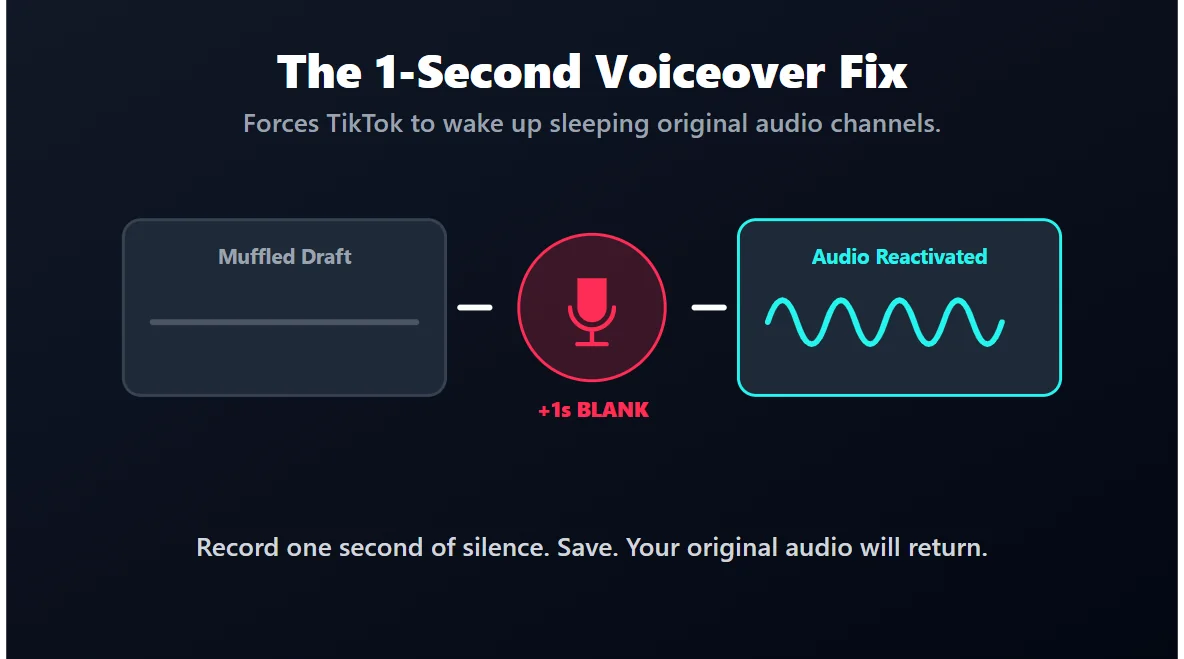
This is a weird glitch, but the fix is brilliant. Sometimes, if you filmed a video of yourself talking (no music), the draft will open and your voice will be entirely muted or muffled. The video is fine, but the audio channel is just... asleep.
To wake it up, tap the Voiceover tool (the microphone icon). Record literally one second of dead silence over the video. Hit save. This tiny action forces TikTok to reactivate the voice layer. Nine times out of ten, your original audio will instantly snap back to normal.
Stop Treating Drafts Like a Hard Drive
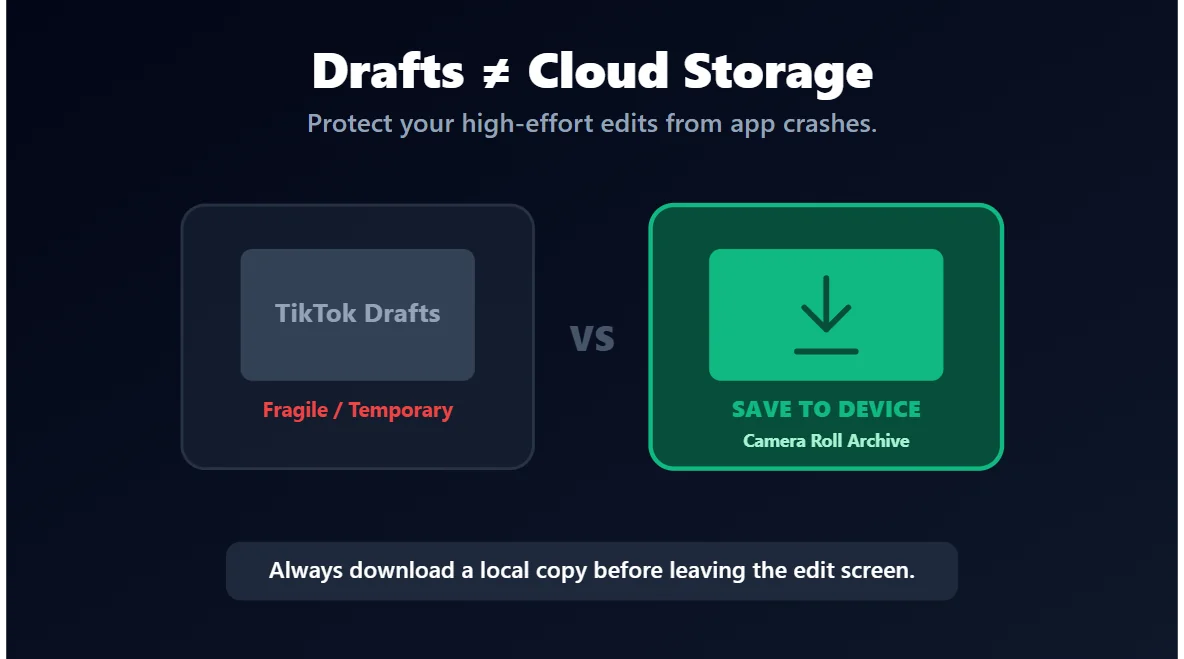
Let’s be honest: TikTok drafts are not a safe place to store things you care about. If a video took you more than 10 minutes to make, do not leave it entirely at the mercy of the app.
Get into the habit of hitting the Save to Device button (the little downward arrow) on the final editing screen before you back out into drafts. That way, if TikTok completely scrambles the audio tomorrow, you still have the pristine, fully-edited MP4 sitting safely in your phone’s camera roll.







