Instagram Video & Photo Downloader
Download available media from a public Instagram post, Reel or carousel. Preview the returned photos and videos before choosing a file to save.
Open toolExplore practical Instagram utilities for public profiles, media and account research. Open a tool to check supported features and requirements.
 Your next step starts here
Compare the current trial limits or open a utility to see how it works.
15 tools available
Download available media from a public Instagram post, Reel or carousel. Preview the returned photos and videos before choosing a file to save.
Open toolView available public Instagram stories without signing in. Enter a username, browse the returned stories and download supported media.
Open toolBrowse available Instagram Highlights and open their photos or videos. View highlight collections, covers and supported downloads from a public profile.
Open toolView an available Instagram profile picture at the resolution returned by Instagram. Open a larger preview and save the image from one workspace.
Open toolExport the available followers or following entries for a public Instagram profile. Review the retrieved rows, then download the result as CSV or Excel.
Open toolLoad available comments from a public Instagram post and choose giveaway winners using the filters in the tool. Review the eligible pool before announcing a result.
Open toolFind an available audio track from a public Instagram post or Reel. Preview the returned audio and use the download option when a track is available.
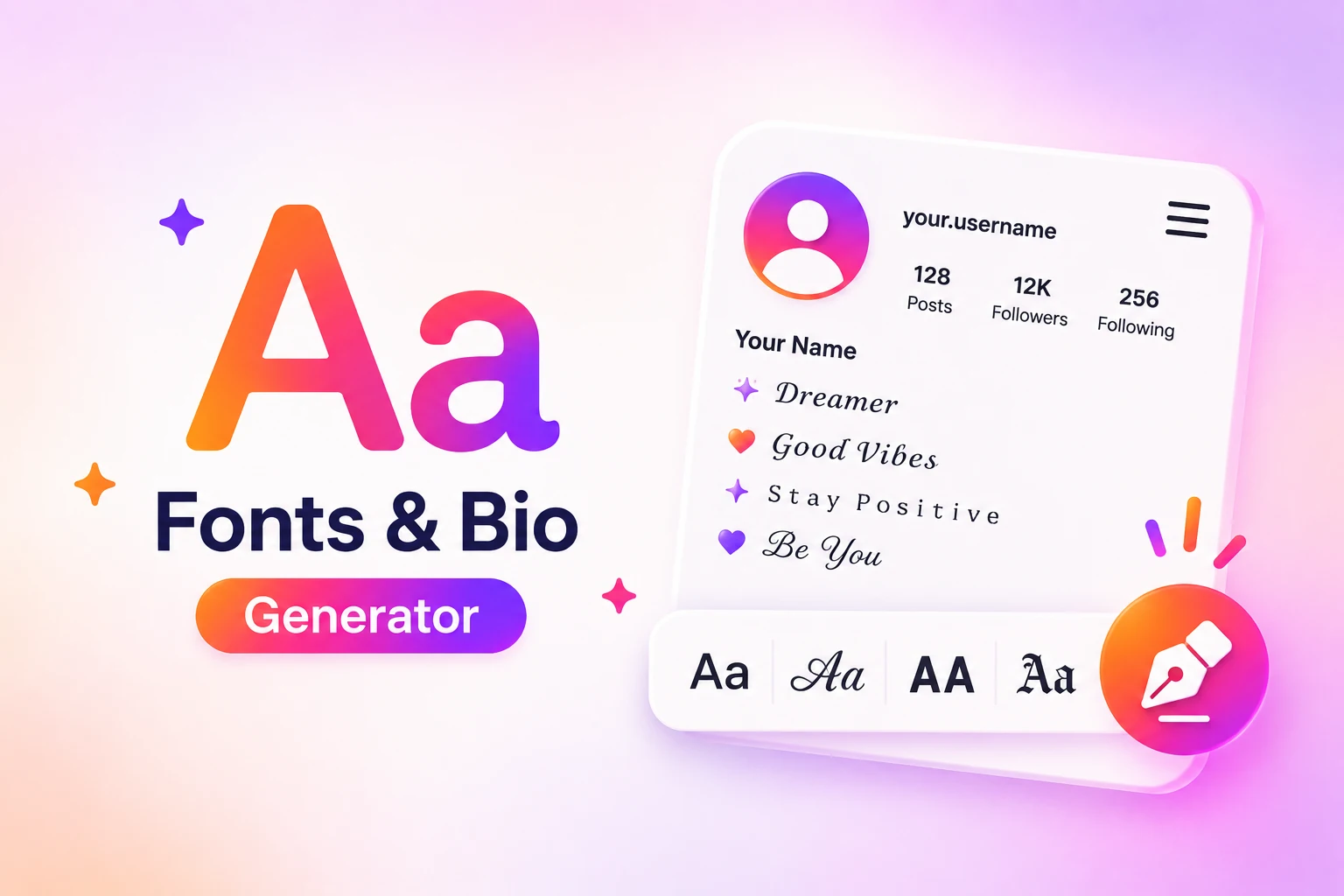
Open toolCreate styled Unicode text for an Instagram bio or caption. Browse the font categories, preview the text in the profile mockup and copy a style you like.
Open toolLoad an available following list for a public source account, then check a second username against the retrieved list. Review coverage before interpreting the result.
Open toolTrack the available follower count for an Instagram profile. Start the counter, review successive updates and stop tracking when you are finished.
Open toolExtract available comments from a public Instagram post or Reel. Review the returned rows, copy comments or download a CSV file from the results window.
Open toolReview public profile and recent-post signals in an engagement-based audience audit. Compare the metrics and a repeatable heuristic score with clear limitations.
Open toolEstimate sponsored-content pricing using available public profile and engagement data. Adjust the category and country assumptions to compare illustrative results.
Open toolExtract the available caption and hashtags from a public Instagram post or Reel. Review the text, then copy the full caption or just the detected hashtags.
Open toolFind the numeric ID returned for an Instagram username, or look up an available profile using its numeric ID. Switch modes and copy the returned identifier.
Open toolUse the collection to find the right starting point. Review each tool’s supported input and availability before you begin.
Browse a platform or search for the action you need, such as followers, likes, views or a profile utility.
Review the supported username or link format, current limits and any security checks. Keep passwords private.
Complete the steps on the tool page. For trial requests, use recent orders to check the current status.
Compare available packages, quantities and service details before you choose.
Know what to expect before opening a free tool.
No. These tools do not ask for your social media password. Use only the public username or link requested on the tool page.
The tools listed here can be used without purchasing a package. Individual tools may have security checks, required steps, quantity limits and a waiting period between requests.
Request quantities and intervals for trial tools are read from their current settings. Open a tool to review supported input formats and all requirements before starting.
Start times are estimates and availability can change. For trial requests, check recent orders on the tool page for the latest status.
Your cached orders