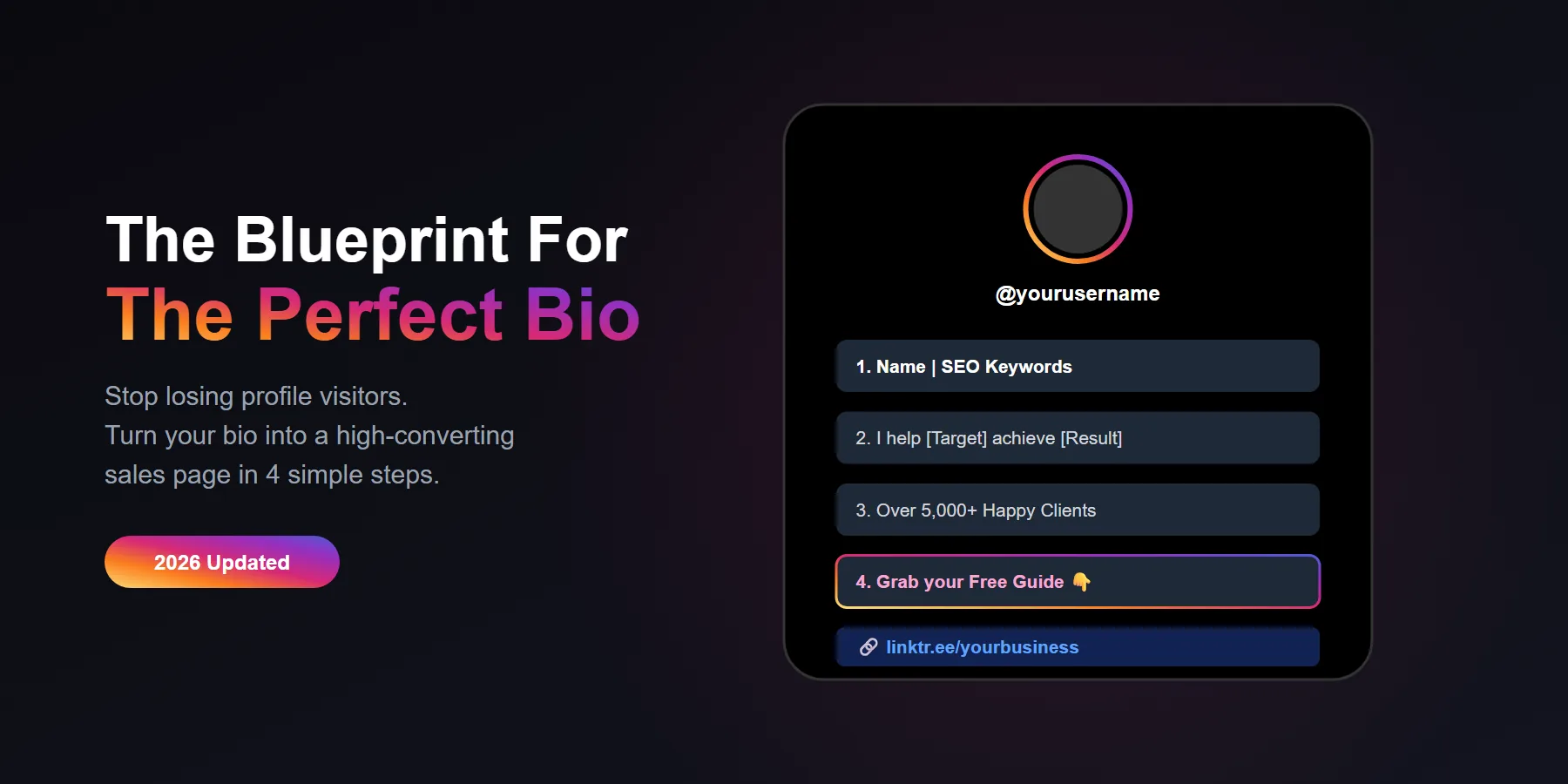
Change your Name Field to include searchable keywords related to your niche or local business.
Write a clear statement explaining exactly how your content helps the viewer.
Add a line that establishes your authority or highlights a professional milestone.
End your bio with a strong Call-to-Action that tells users exactly what they get if they click your link.
Why Your Current Instagram Bio Is Costing You Followers
When a new user lands on your Instagram profile, you have exactly three seconds to convince them to hit the Follow button. If your bio is just a random inspirational quote, a list of your hobbies, or a string of confusing emojis, they will click away immediately.
In our extensive testing across hundreds of creator and business accounts, we found that a highly optimized Instagram bio acts like a digital elevator pitch. It must instantly answer three questions for the visitor: Who are you? What do you do? What is in it for me?
The 4 Elements of a Perfect Instagram Bio
Do not waste your 150-character limit on fluff. Here is the exact formula the top-performing accounts use to turn casual profile visitors into paying customers and loyal followers.
1. The SEO "Name Field" Hack
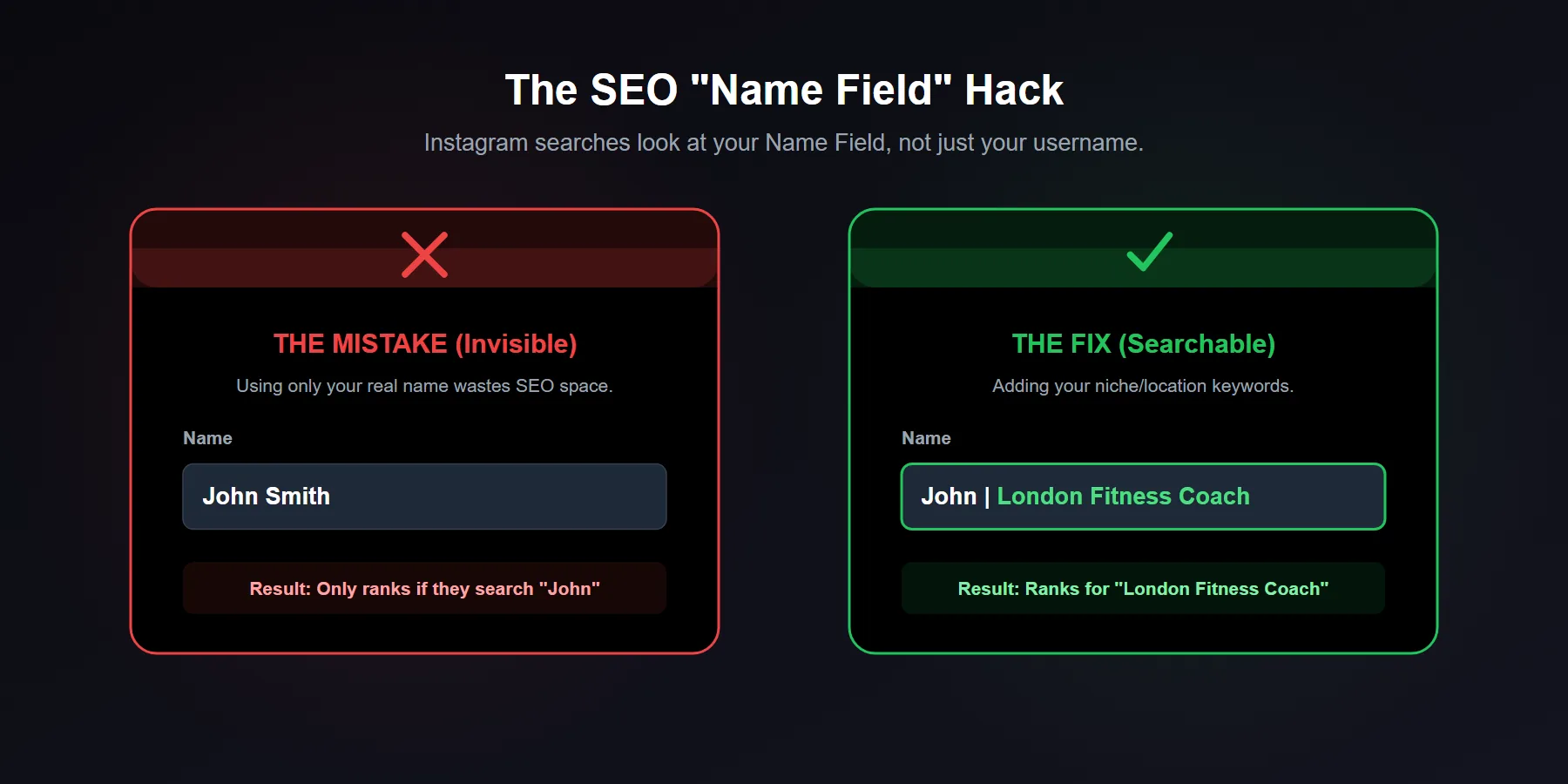
Most people make the critical mistake of just putting their actual name in the Name Field. The Name Field is entirely separate from your @username, and more importantly, it is heavily indexed by the Instagram search algorithm.
If you are a personal trainer in London, do not just write "John Smith." Change your Name Field to "John | London Fitness Coach." Now, when a local user searches for a fitness coach, your profile will actually show up in the results.
2. The "I Help" Statement
The first line of your actual bio should clearly state your core value proposition. Stop talking about yourself and focus entirely on how you help the reader. Use the classic "I help X do Y" framework.
- Bad: "Coffee addict. Dog mom. Making videos."
- Good: "I help busy moms cook healthy meals in under 20 minutes."
3. Establish Instant Authority
Why should the visitor trust you? The second line of your bio should establish your credibility. If you do not have massive accolades yet, highlight a specific milestone.
4. A Direct Call-to-Action (CTA)
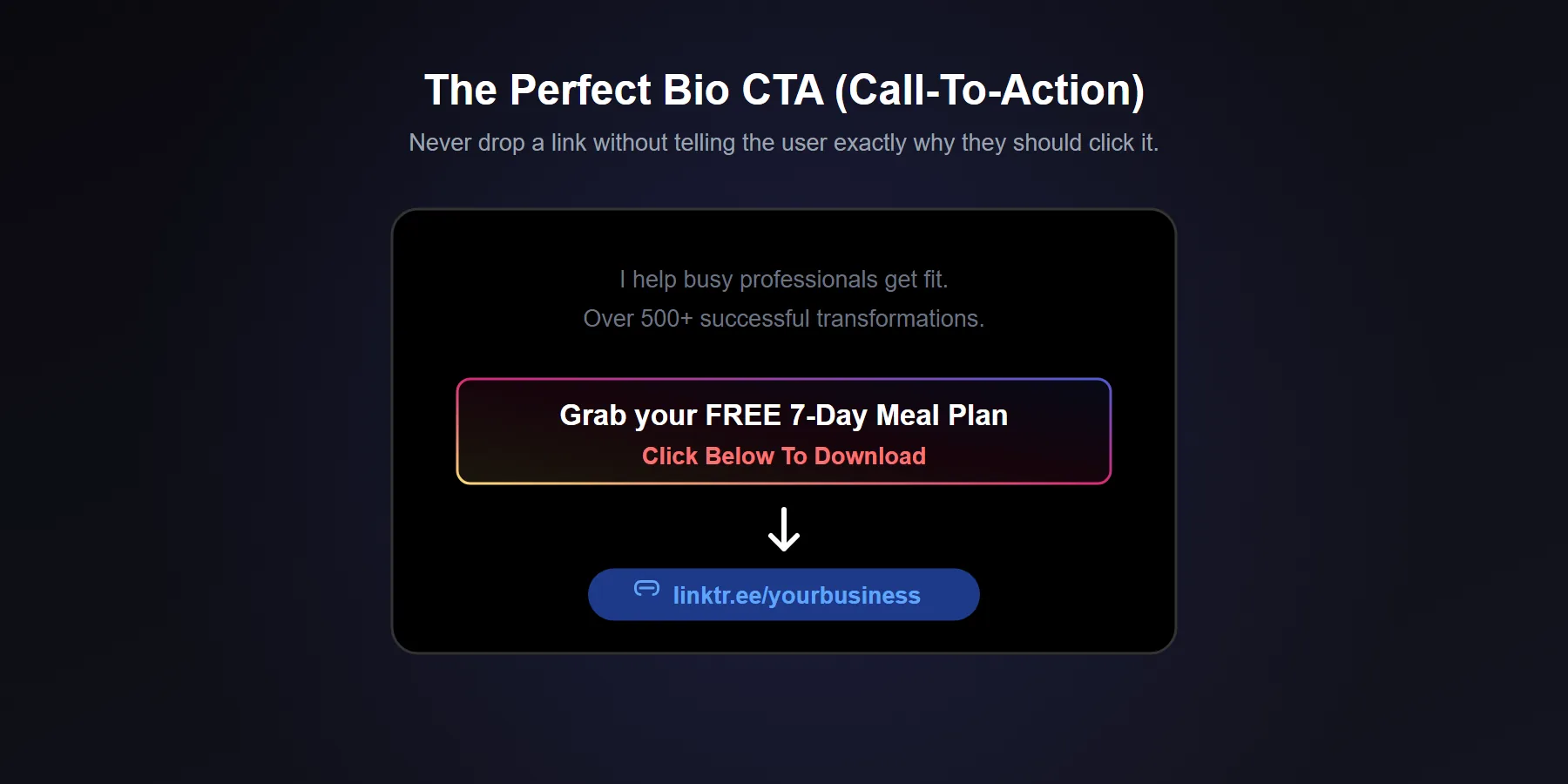
The final line of your bio must tell the user exactly what to do next. Do not just drop a link. You need to provide a reason for them to click it.
Point an emoji arrow down toward your link and offer something valuable. "Grab your free meal prep guide 👇" converts significantly higher than a generic "Check out my website."
Formatting Tricks to Make It Readable
Nobody wants to read a giant block of text. Use line breaks to separate each of the elements mentioned above. If you struggle to create clean line breaks inside the Instagram app, write your bio in your phone's Notes app first, then copy and paste it over.
| Bio Element | Common Mistake | Best Practice |
|---|---|---|
| Name Field | Using only your first name | Adding searchable keywords (e.g., Jane | SEO Expert) |
| Value Prop | Listing personal hobbies | Explaining exactly how you help the follower |
| Bio Link | Pasting a naked, messy URL | Using a clean Linktree with a specific Call to Action |








