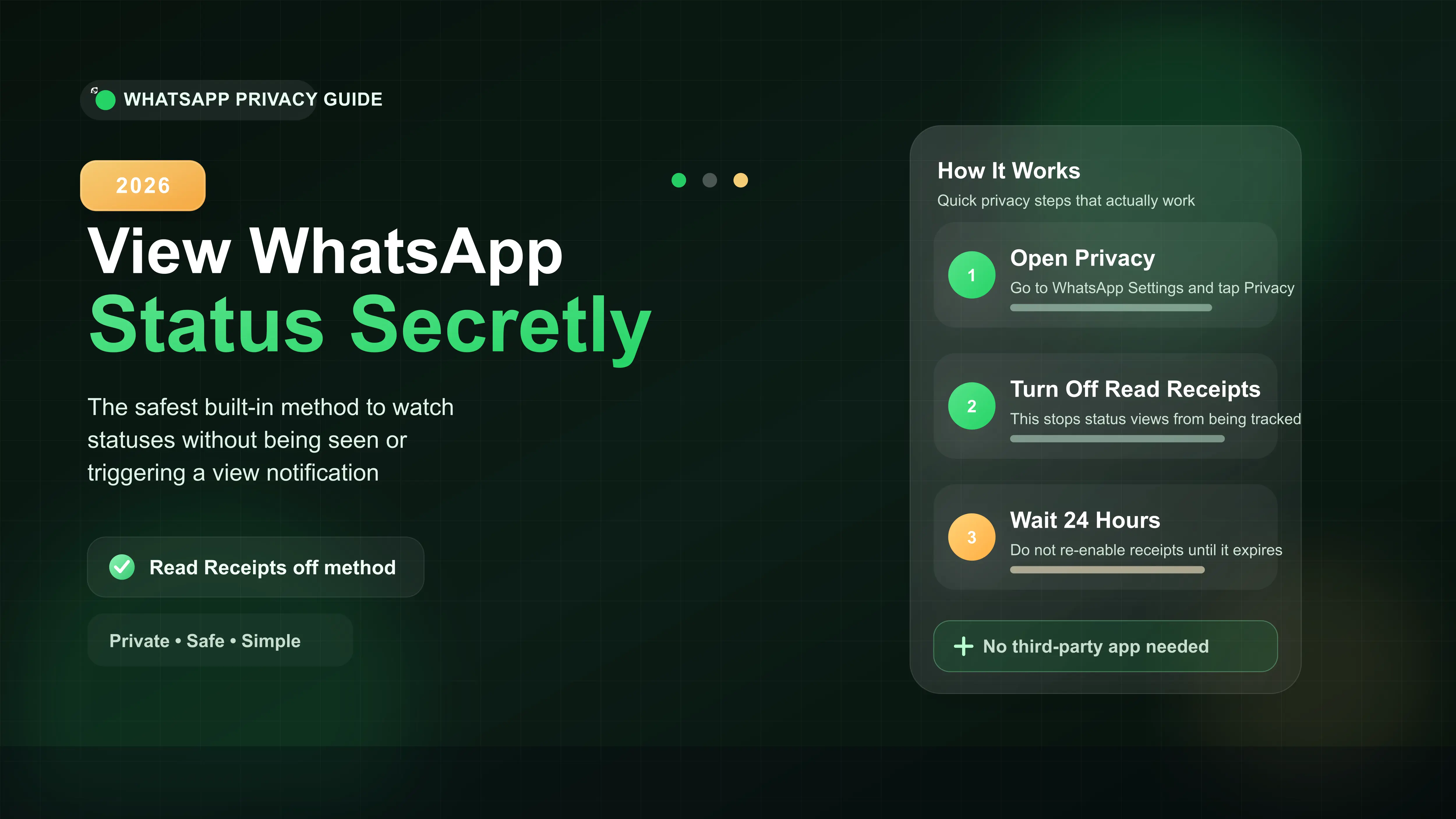
Go to your WhatsApp Settings and tap Privacy.
Toggle off the Read Receipts switch.
View the status safely without leaving a trace.
Wait 24 hours before turning Read Receipts back on so you do not trigger a view notification.
How to View a WhatsApp Status Anonymously
If you want to view a WhatsApp status without the other person knowing, the quickest and safest fix is turning off your Read Receipts. In our testing, this is the most reliable, built-in method to stay completely hidden. You do not need any third-party apps.
Here is exactly how you set it up.
Step 1: Open Your Privacy Settings
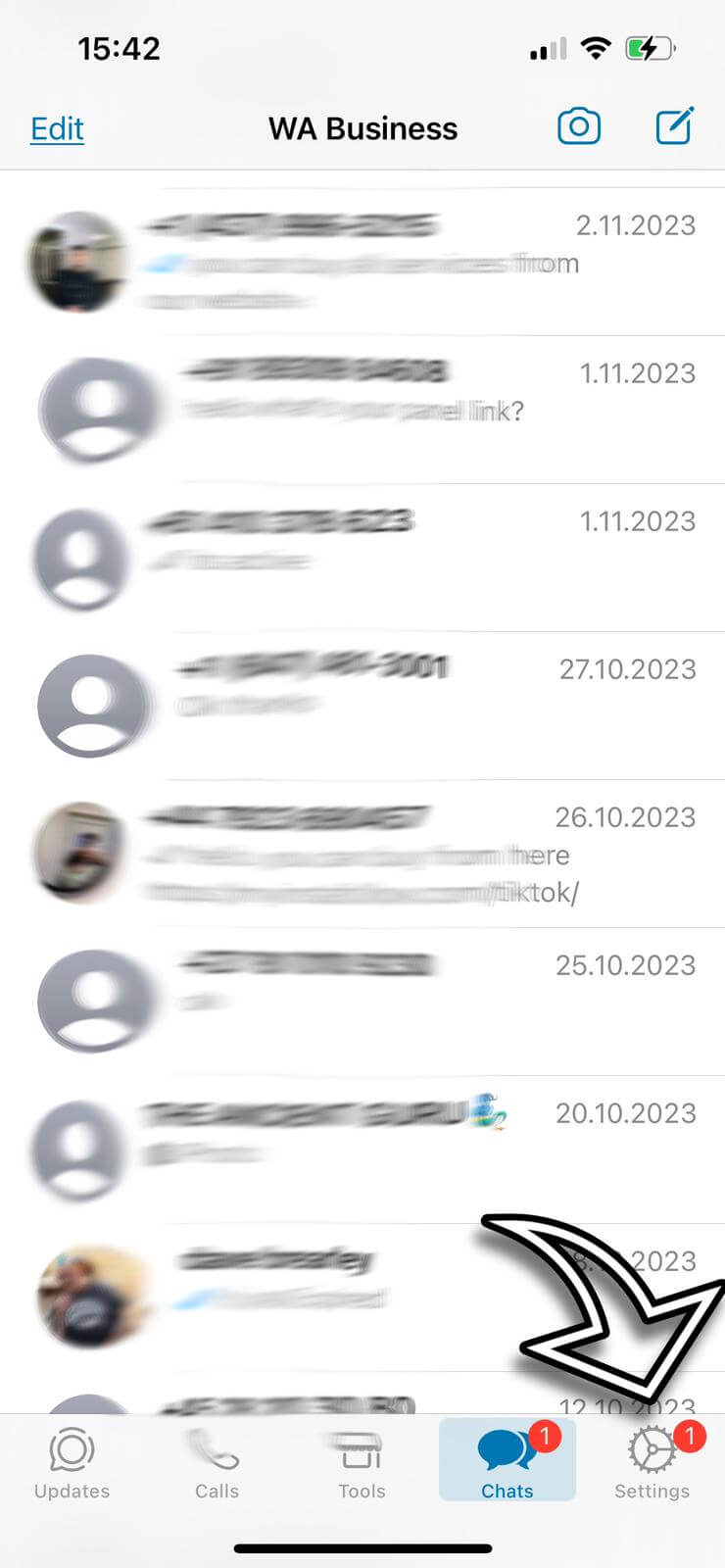
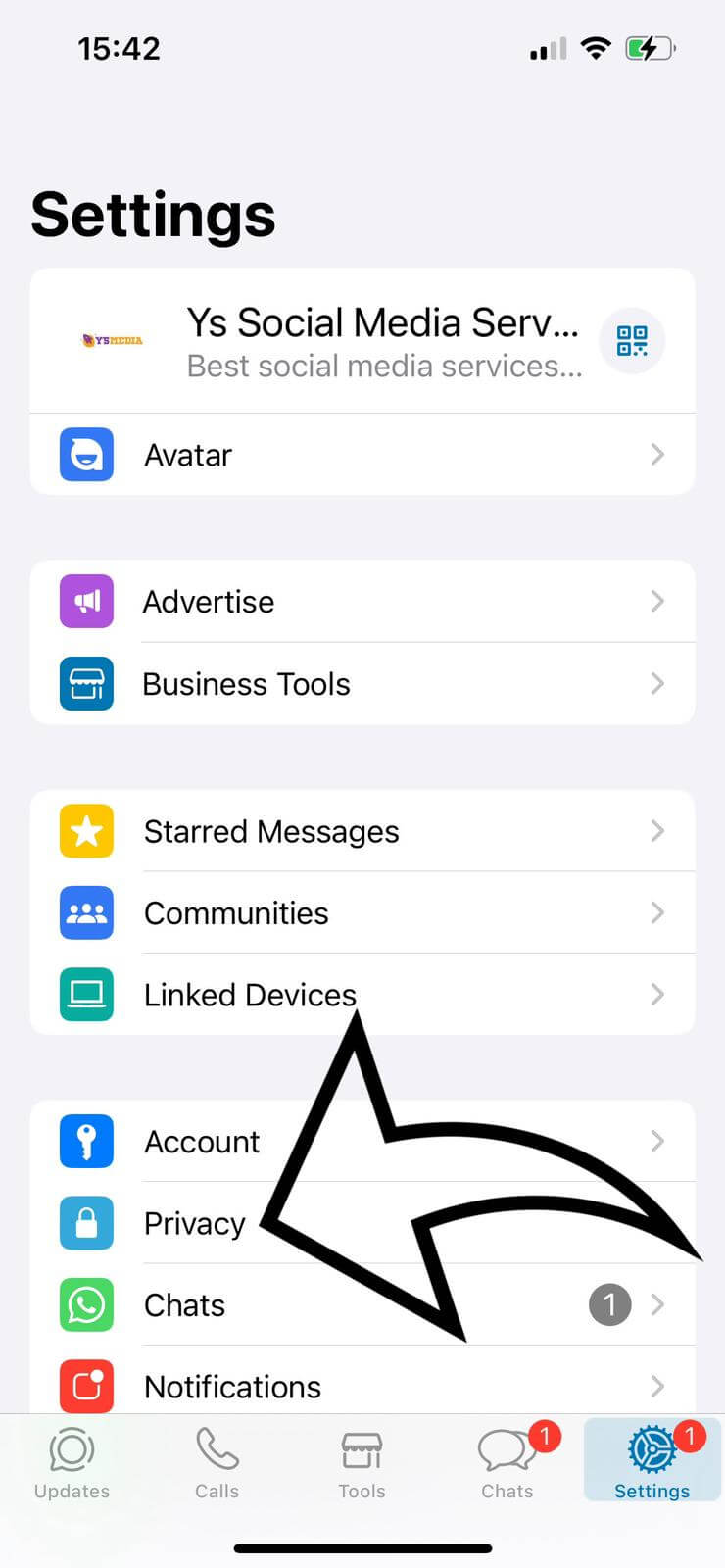
Open WhatsApp and navigate to your settings. Tap on Privacy. This section controls who can see your online status, profile photo, and most importantly, your read receipts.
Step 2: Disable Read Receipts
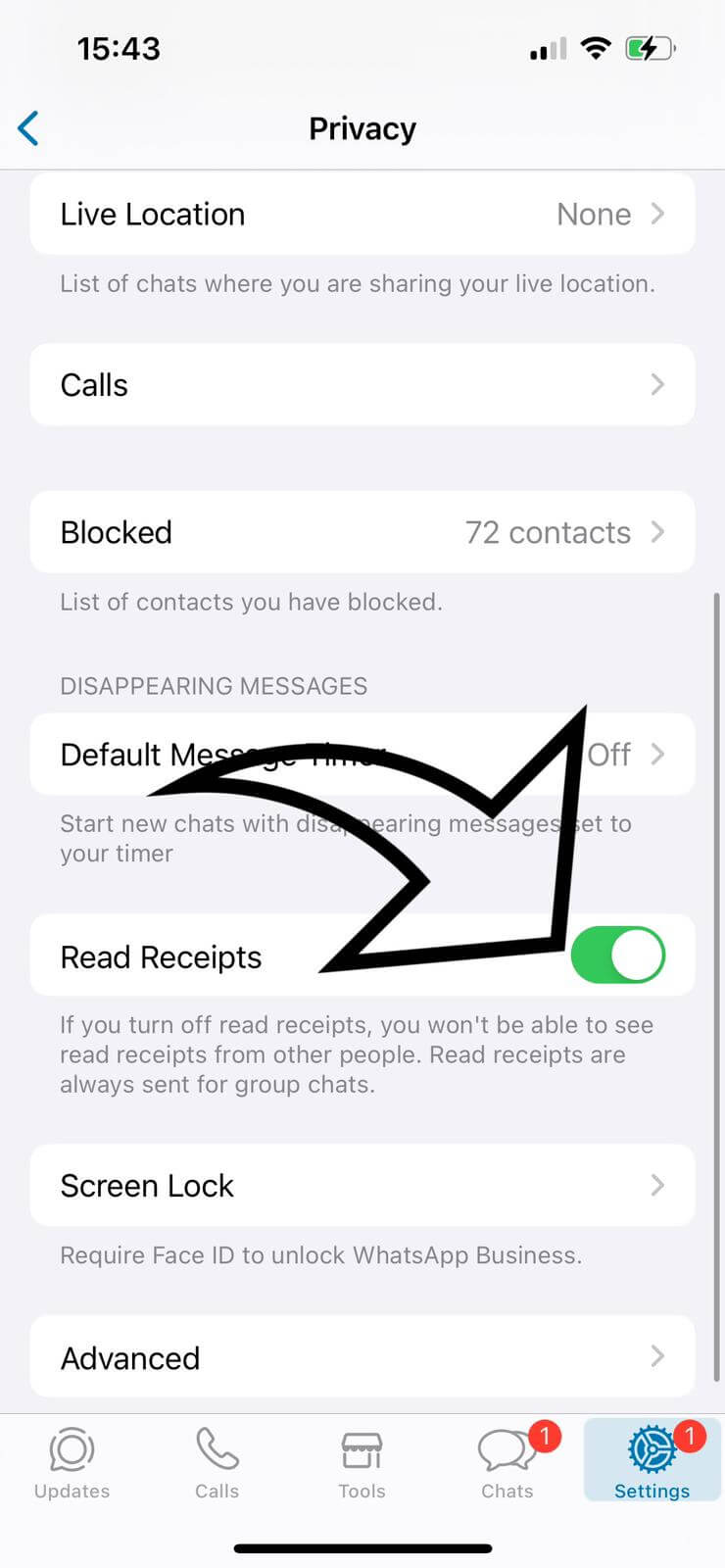
Scroll down until you see the Read Receipts toggle. If the switch is green, it means your receipts are currently active. Tap the switch to turn it off.
The 24-Hour Wait Rule (Crucial)
Many users make the mistake of viewing a status secretly and then immediately turning their read receipts back on. If you do this while the status is still live, WhatsApp will instantly sync and notify the person that you looked at it.
Because WhatsApp statuses last for exactly 24 hours, you must wait until the specific status fully expires before you switch your read receipts back on.
Comparing Secret Viewing Methods
While the official privacy toggle is the most secure route, some users try other workarounds. Here is a quick look at how the common methods stack up against each other.
| Viewing Method | How It Works | Risk Level |
|---|---|---|
| Read Receipts Off | Built-in setting toggle. Completely stops view tracking. | None (Safest) |
| Airplane Mode | Going offline, viewing the cached status, then closing the app. | Moderate (Syncs when you reconnect) |
| WhatsApp Web Offline | Loading the web portal, turning off internet, viewing, and clearing browser data. | Low (Requires computer access) |








