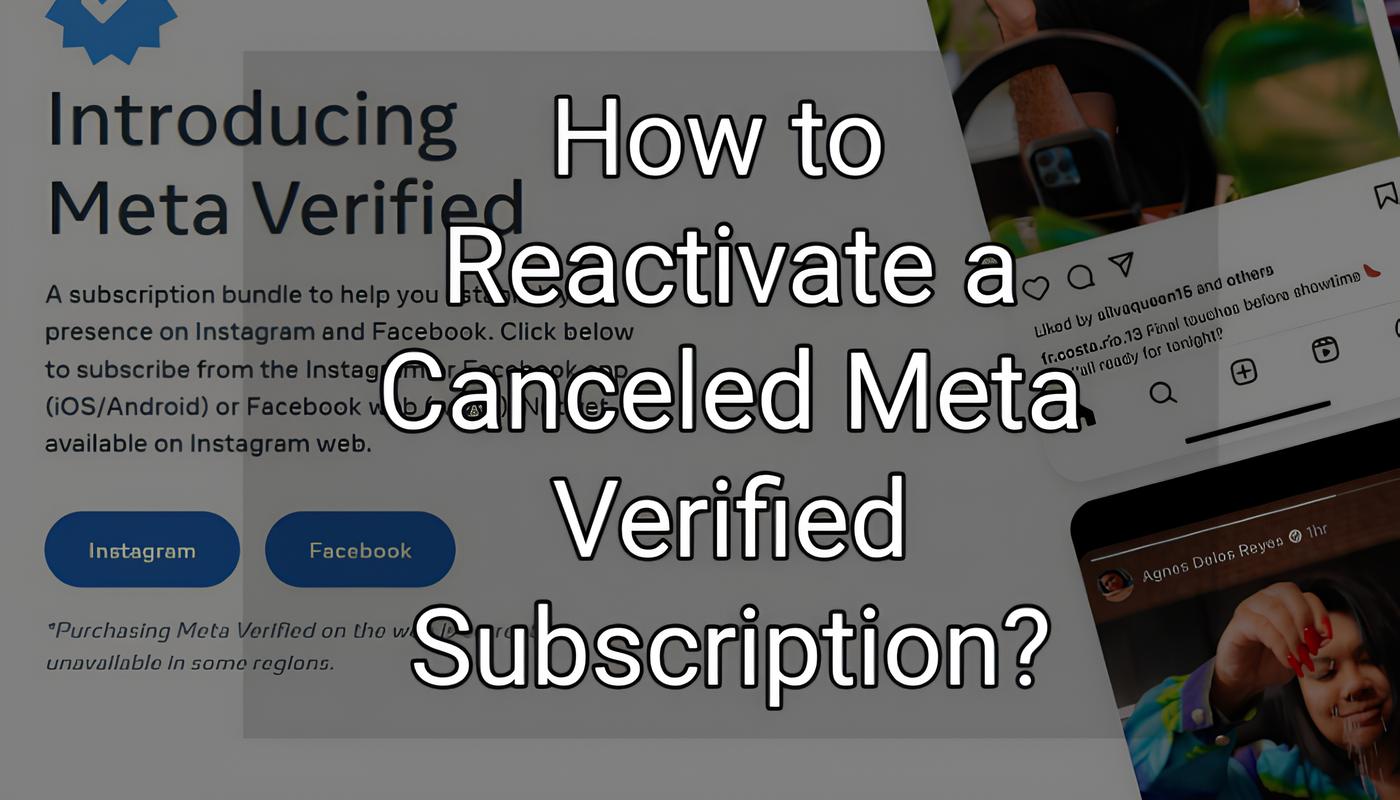
If you've canceled your Meta Verified subscription, reactivating it requires a few steps. Unfortunately, there is no direct method to immediately reactivate the canceled subscription. Here’s the process:
1. Wait for Refund
After canceling Meta Verified, you need to wait for your refund to process. Meta typically processes refunds within 3 days, but it may take up to 15 days depending on the payment method and your region.
2. Reapply After Refund
Once the refund has been issued and reflected in your account, you can reapply for Meta Verified. You will need to go through the application process again, as there is no automatic reactivation option.
3. No Other Known Method
At this time, there are no alternative ways to reactivate a canceled Meta Verified subscription other than waiting for the refund and reapplying.