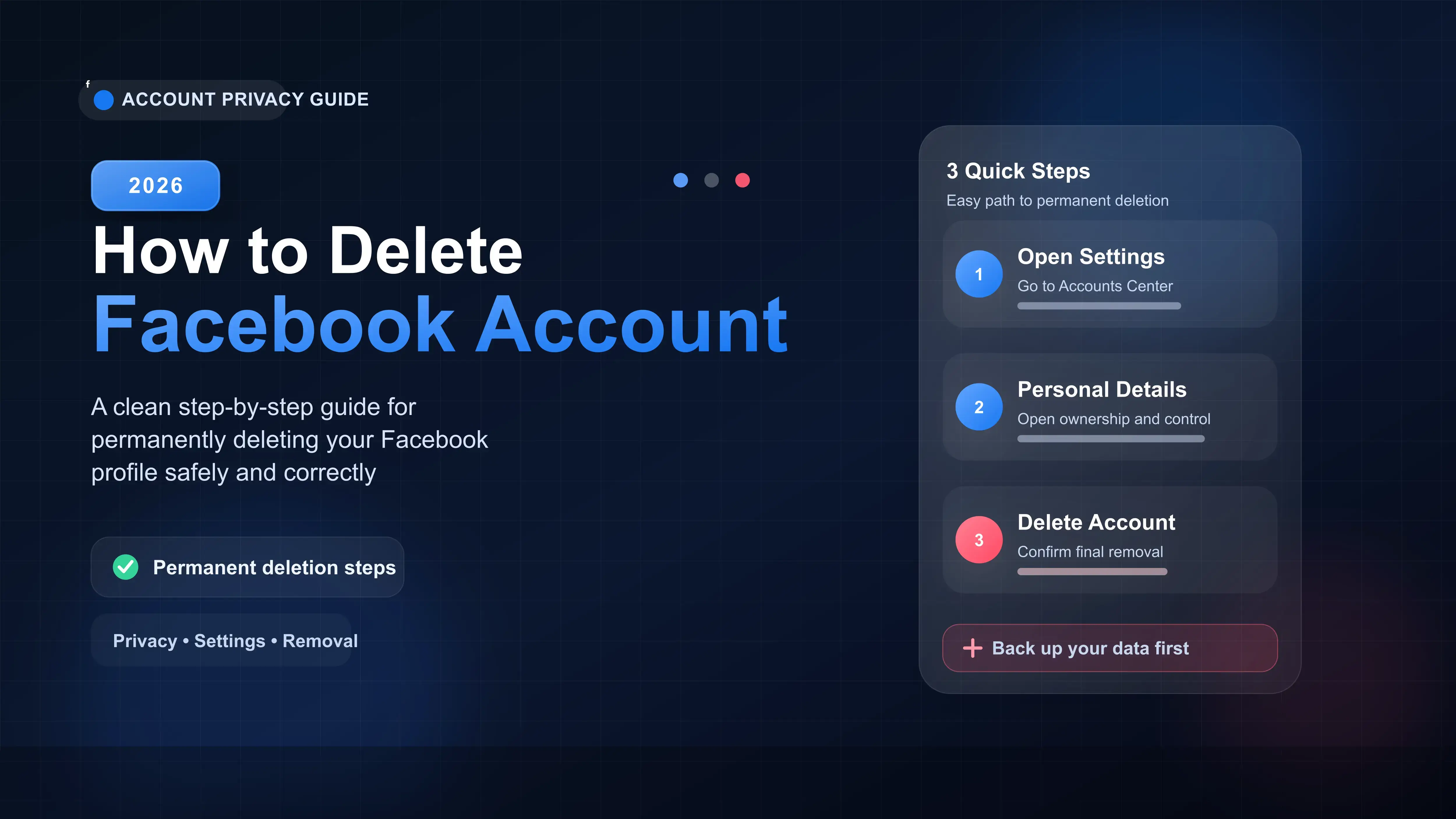
The delete option is now located in the Meta Accounts Center under Personal Details.
You have 30 days to cancel the deletion simply by logging back in.
Deleting Facebook also permanently deletes your Messenger account.
Always download your photos and data before confirming the deletion.
Meta frequently changes their menu layouts, making it frustrating to figure out how to permanently delete your Facebook profile. In our latest check of the app, the deletion option is now buried inside the Meta Accounts Center, rather than the general privacy settings.
If you just want the fast track, here is the exact path: Menu > Settings & Privacy > Settings > Accounts Center > Personal details > Account ownership and control > Deactivation or deletion.
How to Delete Your Facebook Account (Step-by-Step)
The process is identical whether you use an iPhone or an Android device. Open your Facebook app and follow these steps.
1. Navigate to the Accounts Center
Tap your profile picture menu in the bottom right (or top right on Android). Scroll down and tap Settings & Privacy, then select Settings. At the very top of the screen, tap the Accounts Center box.
2. Locate Personal Details
Inside the Accounts Center, scroll down to the Account Settings section and tap Personal details. Next, tap Account ownership and control.
3. Choose Deletion
Tap Deactivation or deletion and select the Facebook profile you want to remove. Change the selection from Deactivate to Delete account and hit Continue.
4. Enter Your Password
Facebook will ask you to provide a reason for leaving. You can choose any option or skip it. Finally, enter your password to confirm the permanent deletion.
Deactivating vs. Deleting: Which is Right for You?
Before you make a final decision, it helps to understand the difference between pausing your account and erasing it entirely.
| Feature | Deactivating | Deleting |
|---|---|---|
| Profile Visibility | Hidden from everyone | Erased permanently |
| Messenger Access | Can still use Messenger | Messenger is deleted |
| Data Recovery | Can reactivate anytime | Gone forever after 30 days |
What You Must Do Before Deleting
Once the 30-day window closes, your photos, posts, and memories are gone permanently. We highly recommend saving a backup first.
Also, think about any third-party apps or websites where you use "Log in with Facebook." You will lose access to platforms like Spotify or Pinterest unless you set up an email login for them first.








