Open your Facebook settings and navigate to the Meta Accounts Center.
Select your profile and tap on the Name field to edit it.
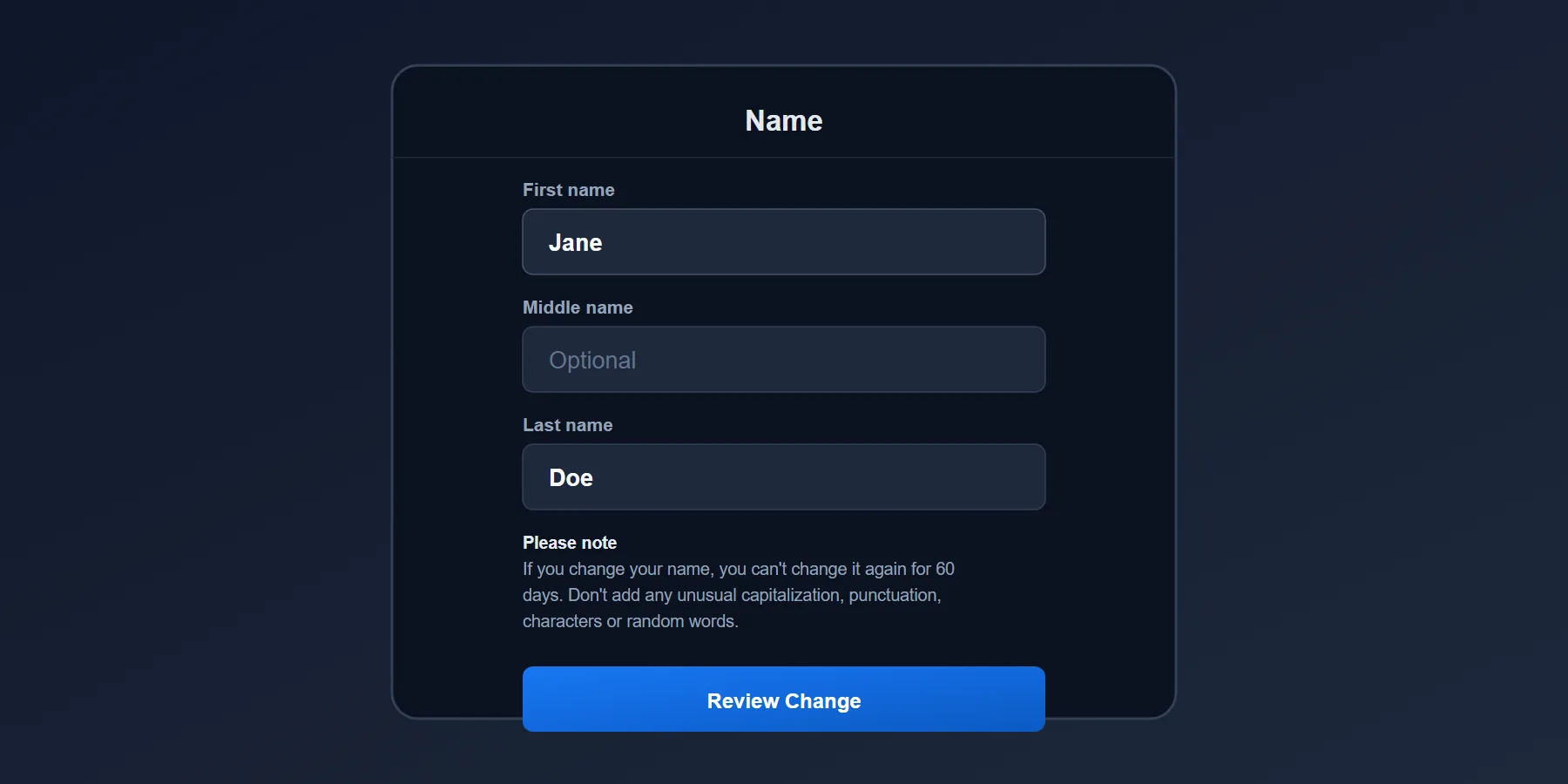
Check your spelling carefully, as you cannot change it again for 60 days.
Use the Other Names setting to add a maiden name or nickname without triggering the lock.
Where Did Facebook Move the Name Change Setting?
If you are trying to change your Facebook name, you might notice the old settings menu is gone. Meta recently unified all profile settings into the Meta Accounts Center. This is the only place you can update your first, middle, or last name across Facebook and Instagram.
Here is exactly how to navigate the new menus and update your profile name in under two minutes.
How to Change Your Name on the Mobile App
Whether you use an iPhone or an Android device, the steps inside the Facebook app are identical.
- Open the Facebook app and tap your profile picture in the bottom right (or top right on Android) to open the main menu.
- Scroll down and tap Settings & Privacy, then select Settings.
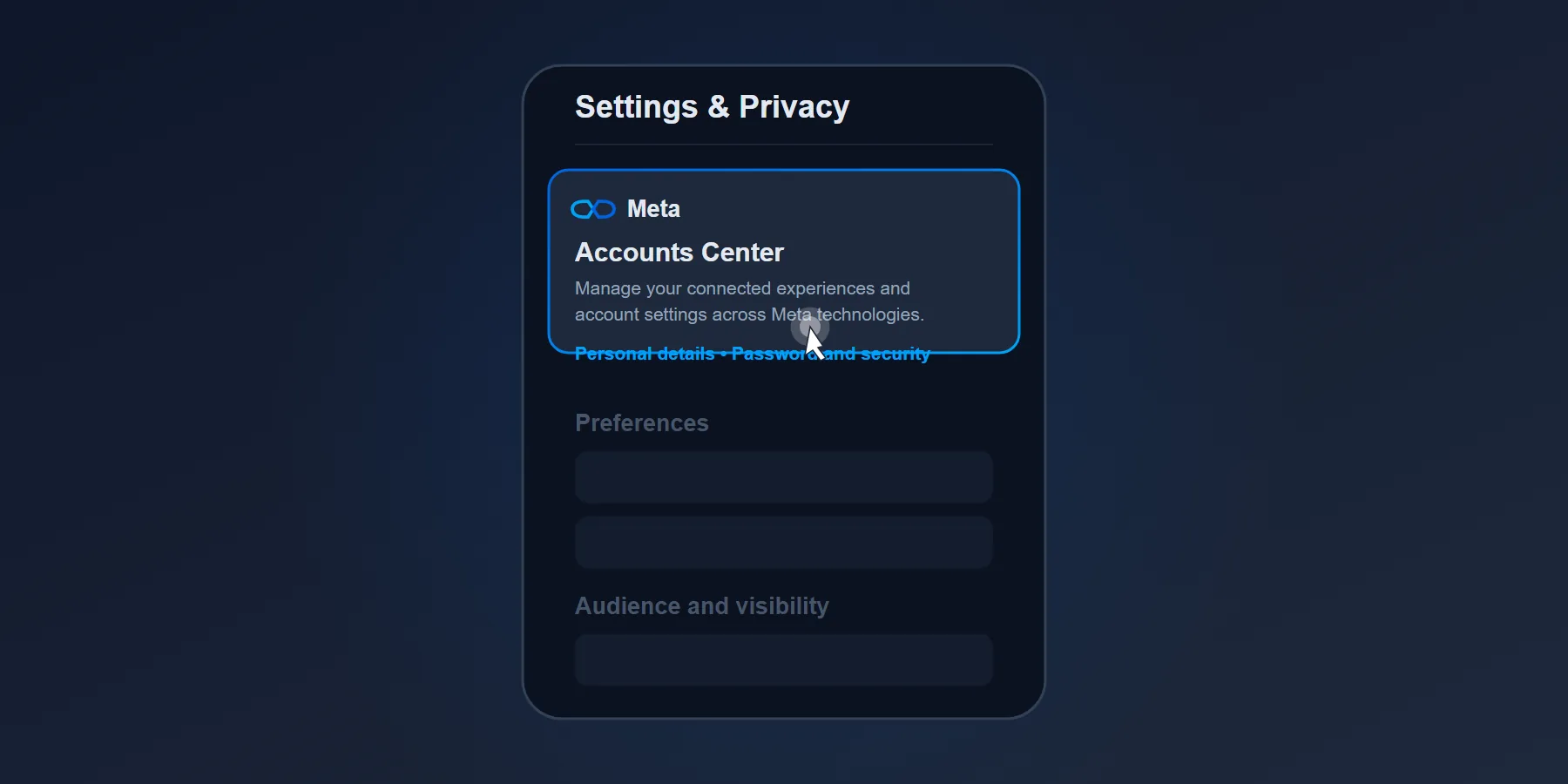
- At the top of the screen, tap the large Accounts Center box.
- Tap on Profiles, then select your Facebook account.
- Tap Name. Type your new first, middle, or last name into the text boxes.
- Tap Review Change, choose how you want your name to display on your profile, and hit save.
How to Change Your Name on a Computer
If you prefer using a web browser, the process is just as fast.
- Click your profile picture in the top right corner of Facebook and select Settings & Privacy.
- Click Settings.
- Click See more in Accounts Center on the left sidebar.
- Select your Facebook profile, click Name, and type your new details into the fields.
The 60-Day Lock Rule
Facebook enforces this rule to stop people from hiding their identities or spamming name changes. If you make a typo, you cannot fix it until the two months pass. However, Facebook does give you a 48-hour window to revert back to your previous name if you change your mind.
Adding a Nickname or Maiden Name
If you just want people to find you by an old nickname, your maiden name, or a professional title, you do not need to change your primary profile name.
| Feature | Primary Profile Name | Other Names (Nickname/Maiden) |
|---|---|---|
| Where it shows | Main text on your profile, comments, and tags | In parentheses next to your primary name |
| 60-Day Lock | Yes | No (Can change anytime) |
| Searchable | Yes | Yes |








