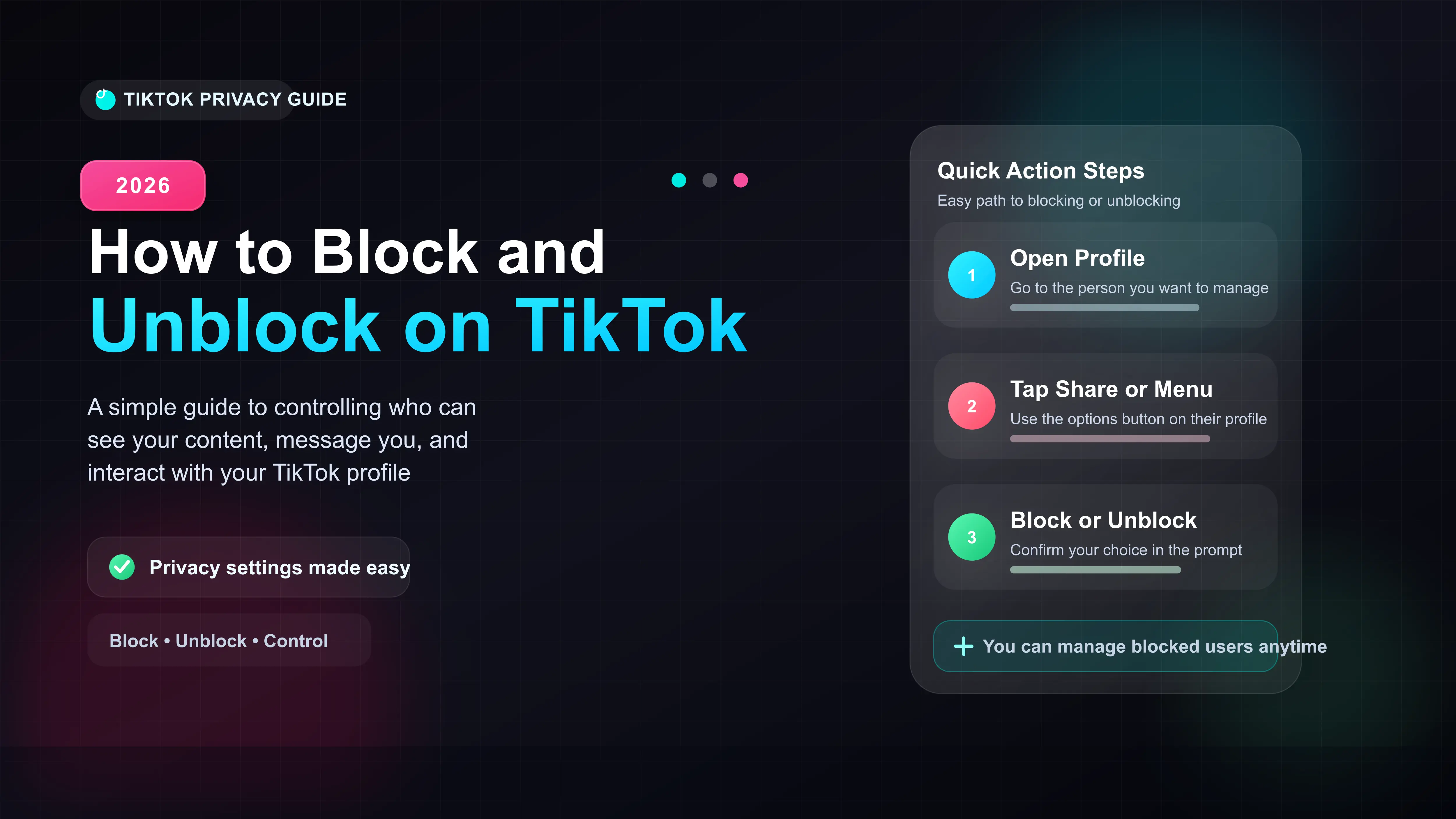
Block users directly from their profile by tapping the top-right share icon.
Blocked users are not notified, but your profile will appear blank to them.
Use the comment management tool to bulk-block up to 100 spammers at once.
To unblock someone, go to Settings and Privacy, then Privacy, and find your Blocked accounts list.
If someone is spamming your comments or harassing you via direct message, you need to cut off their access immediately. In our daily testing of TikTok's privacy tools, we find that blocking a user is the absolute fastest way to secure your account.
Once blocked, they can no longer view your videos, send you messages, or find your profile in the search bar. Here is exactly how to do it.
How to Block Someone on TikTok (Step-by-Step)
You can block any user directly from their profile page. This works exactly the same on both iPhone and Android devices.
- Tap their profile picture to open their main page.
- Tap the Share icon (the arrow) in the top right corner.
- Tap the Block icon (a circle with a line through it) at the bottom of the screen.
- Confirm your choice when the app asks if you are sure.
What Actually Happens When You Hit Block?
Many users worry about retaliation and wonder what the blocked person sees. TikTok handles this very quietly.
| Feature | What They See/Can Do |
|---|---|
| Profile Visibility | Your profile appears completely blank to them. |
| Direct Messages | They cannot send new messages; old chats remain but cannot be replied to. |
| Video Interaction | They cannot comment, like, stitch, or duet your videos. |
How to Find Your Block List and Unblock Users
Sometimes you block the wrong person by accident, or you decide to let an old friend back into your digital life. Since you cannot search for their blocked profile normally, you have to go through your settings.
- Go to your own TikTok profile and tap the three lines in the top right.
- Select Settings and privacy, then tap Privacy.
- Scroll to the very bottom and tap Blocked accounts.
- Find the person on this list and tap the Unblock button next to their name.








