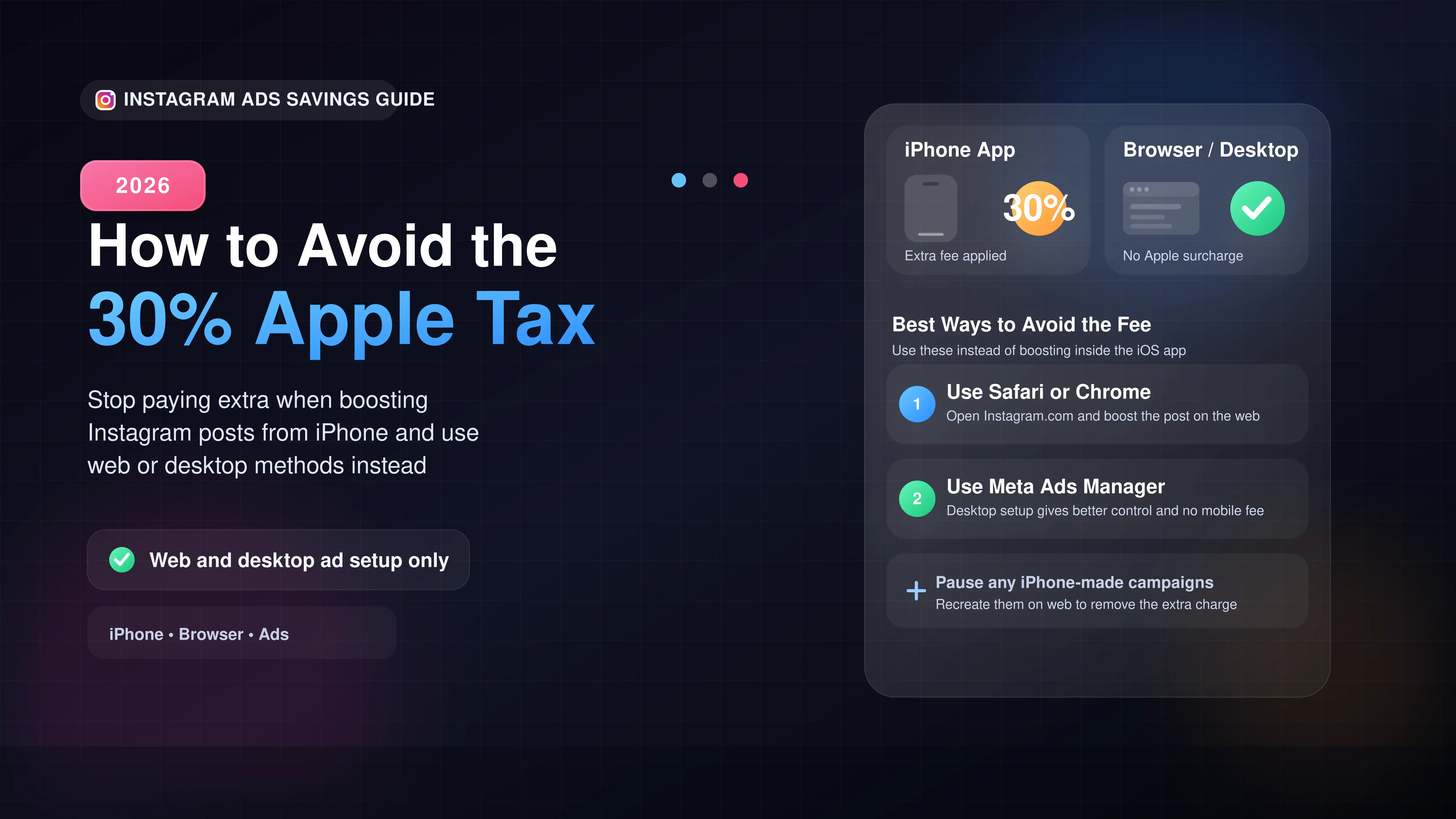
Stop boosting posts directly through the Instagram app on your iPhone.
Open Safari or Chrome and log into Instagram.com to boost posts without the fee.
Use Meta Ads Manager on a desktop computer for full control and zero mobile surcharges.
Pause any existing campaigns created on your iPhone and recreate them on the web to stop paying the tax.
The Quick Fix: How to Bypass the 30% iPhone Ad Fee
If you run Instagram ads directly from your iPhone, you are paying a massive 30% markup. This happens because Apple takes a 30% cut of in-app digital purchases, and Meta passes that cost straight to your bill. To avoid this fee entirely, you must stop boosting posts from the iOS app.
In our testing, the easiest workaround is to manage your ads from a desktop computer or a mobile web browser.
Option 1: Use Instagram on Your Mobile Browser
You do not need a computer to fix this. You can bypass the fee by opening a browser app right on your phone.
- Open Safari or Chrome on your iPhone.
- Go to Instagram.com and log into your account.
- Navigate to your profile and find the specific post you want to promote.
- Tap the Boost Post button.
- Set up your target audience and budget. Because you are using the web version, the Apple fee is not triggered.
Option 2: Use Meta Business Suite on Desktop
For business owners and full-time creators, this is the most reliable route. Setting up your campaigns through the Meta Ads Manager on a desktop computer completely bypasses mobile app store fees.
Why is Meta Charging This Extra Fee?
This is strictly an Apple App Store policy issue. Apple requires apps to use its native payment system for digital purchases, taking a 30% commission. When you buy ad credits inside the iPhone app, Apple takes its cut. Instead of absorbing the loss, Meta adds 30% to your final bill before your ad even runs.
Comparing Ad Setup Methods
Here is a breakdown of where you will be charged the extra tax based on your device.
| Where You Setup the Ad | Apple 30% Fee Applied? | Best For |
|---|---|---|
| Instagram App (iPhone) | Yes | Do not use (Most expensive) |
| Instagram App (Android) | No | Android smartphone users |
| Mobile Browser (Safari/Chrome) | No | Quick boosts on the go |
| Meta Ads Manager (Desktop) | No | Professional, high-budget campaigns |








