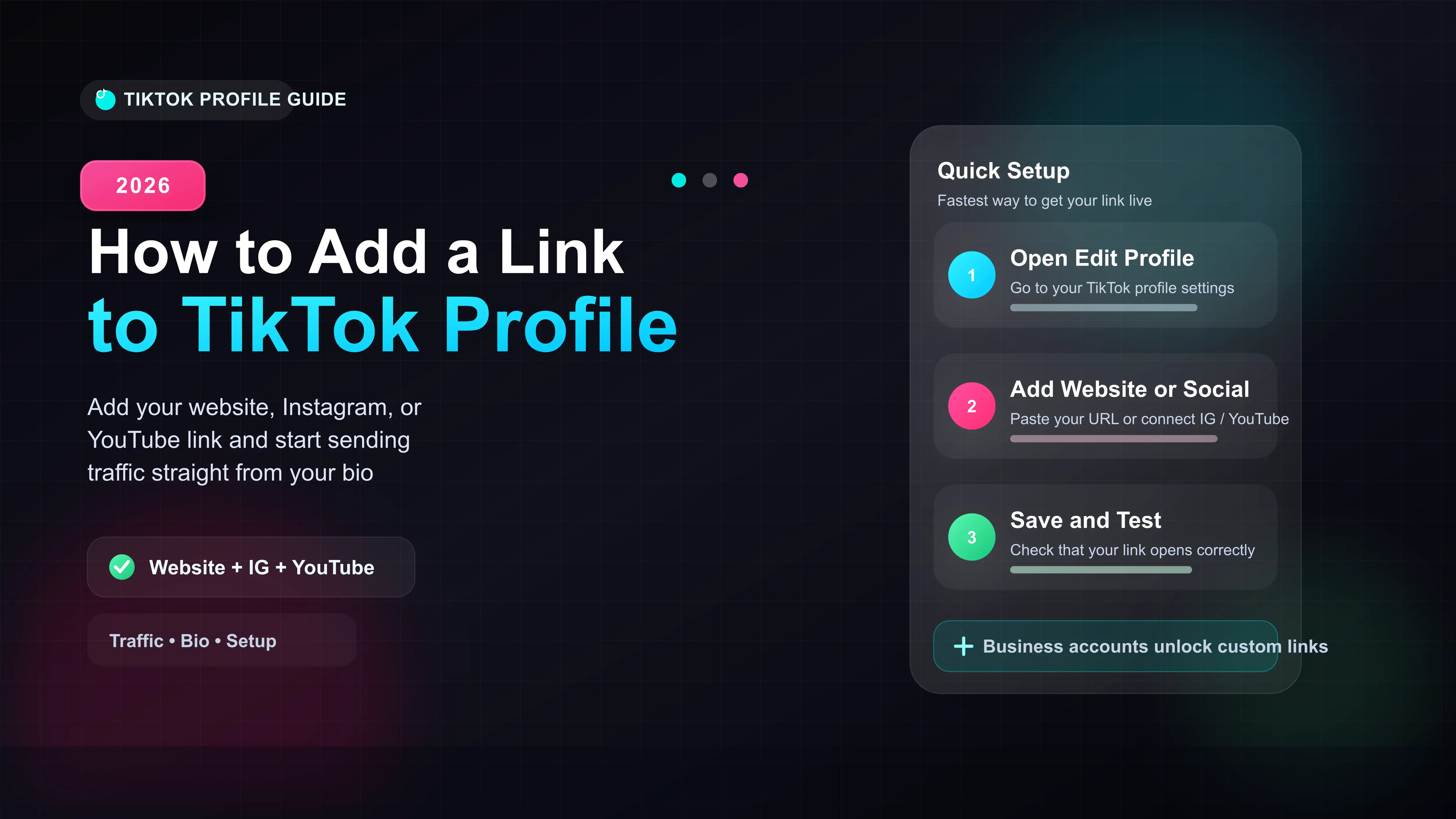
Switch your TikTok to a Business Account to unlock custom bio links.
Tap Edit Profile and select Add your website to insert your URL.
Use the built-in Social buttons to directly link your Instagram and YouTube.
Test your link after publishing to ensure it opens the correct page.
The Quick Answer: How to Add a Link to TikTok
Adding a link to your TikTok bio is the best way to drive traffic to your website, store, or other social platforms. If you just want to add your Instagram or YouTube, you can do this immediately from your profile settings. However, to add a custom website link, you either need a Personal Account with 1,000 followers or a registered Business Account.
In our testing, switching to a Business Account is the fastest workaround if you are just starting out.
How to Add a Custom Website Link (Link in Bio)
If you meet the requirements (1,000 followers or a Business Account), adding your custom URL takes less than a minute.
- Open your TikTok app and tap Profile in the bottom right corner.
- Tap the Edit Profile button located under your follower count.
- Scroll down to the Website field and tap it.
- Type or paste your full URL (e.g., https://yourwebsite.com) and tap Save.
How to Link Instagram and YouTube Directly
TikTok gives you dedicated profile buttons for Instagram and YouTube. These do not require a Business Account or a specific follower count. Anyone can add them instantly.
- Go to your profile and tap Edit Profile.
- Scroll to the bottom section labeled Social.
- Tap Instagram or YouTube.
- A login screen will pop up. Enter your credentials to authorize TikTok to connect to those platforms.
Why Am I Missing the "Website" Option?
If you tap Edit Profile and do not see a Website field, your account does not meet TikTok's current link requirements. TikTok updated its rules to prevent spam, restricting custom links on brand-new personal accounts.
| Account Type | Custom Website Link | Instagram & YouTube Links |
|---|---|---|
| Personal (Under 1k Followers) | No | Yes |
| Personal (Over 1k Followers) | Yes | Yes |
| Business Account | Yes (Registration required) | Yes |








