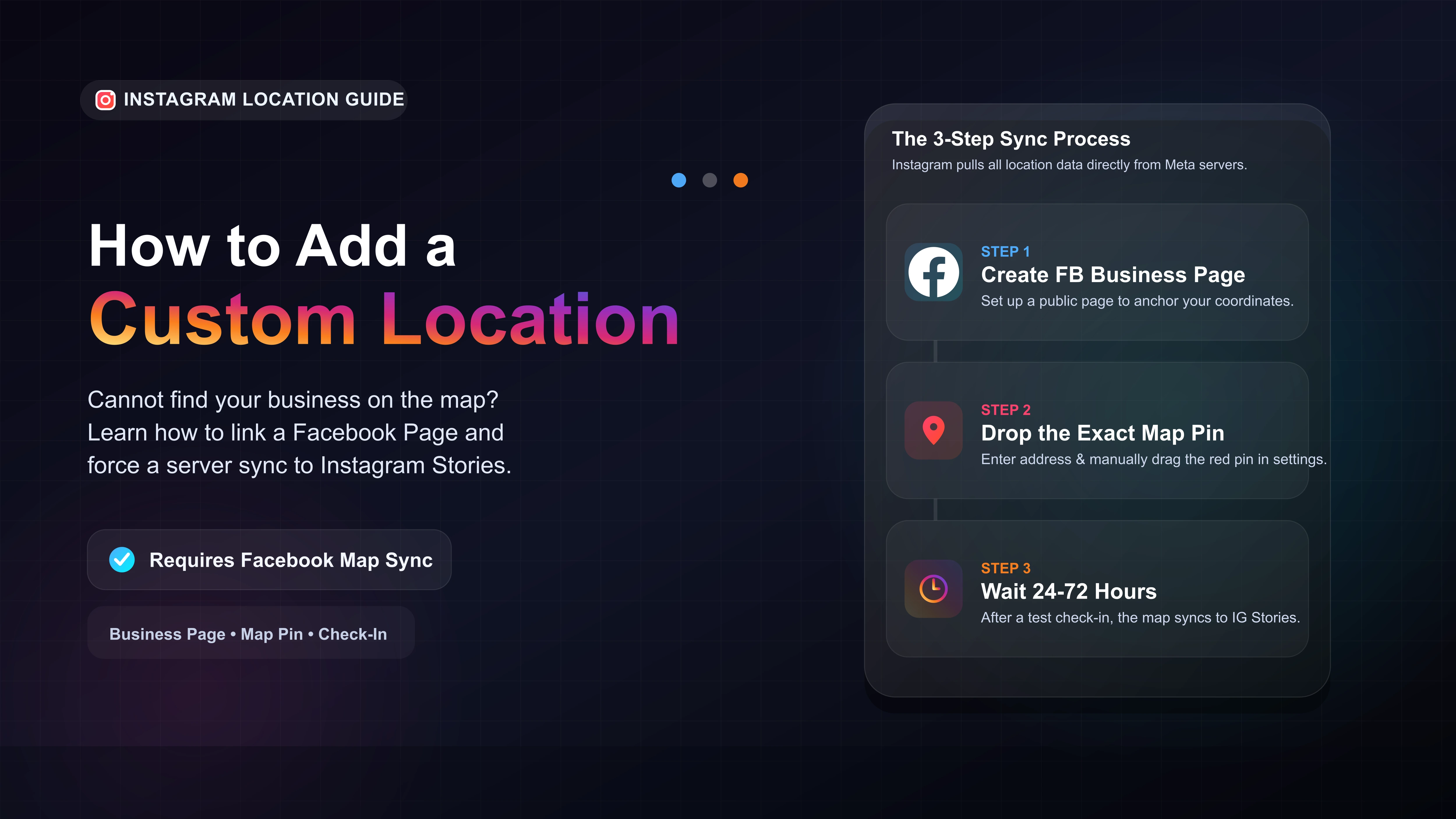
Create a public Facebook Business Page to act as the anchor for your map location.
Enter your exact address in the Page settings and manually drop the red map pin on your building.
Use your personal account to check into the location on Facebook to force the system to recognize it.
Wait 24 to 72 hours for the Meta servers to sync the location to the Instagram Story sticker.
The Secret to Creating an Instagram Location Tag
If you cannot find your new business on the Instagram location sticker, it is because you are looking in the wrong app. In our testing, we found that Instagram pulls all of its map data directly from Facebook.
To add a custom location to Instagram Stories or Reels, you must first create a verifiable Check-In spot on Facebook and force the two platforms to sync.
Step-by-Step: Adding Your Business to the Map
We highly recommend using a smartphone with the Facebook app installed for this process. Setting up coordinates on a desktop browser frequently causes the map pin to glitch.
Step 1: Set Up a Facebook Page
Open Facebook and navigate to the Pages menu. Create a new Business Page. You do not need to actively post content here, but a public page must exist to anchor your map coordinates.
Step 2: Pin Your Exact Address
Go to your new Page settings and click on Page Info. Enter your exact street address, city, and zip code. A small map will appear. Zoom in and manually drag the red pin to rest exactly on top of your physical building.
Step 3: Create a Test Check-In
This is the step most people miss. Once your address is saved, use your personal Facebook profile to create a new post. Tap the Check In button and search for your business name. If it appears, select it and publish the post.
This physical check-in validates the location in Meta's system and pushes the data to the Instagram servers.
Why is My Location Still Missing on Instagram?
If you have waited three days and your business is still missing, one of these common errors is likely blocking the sync.
| Common Problem | How to Fix It |
|---|---|
| Unpublished Page | Check your Facebook Page settings to ensure the page is set to "Published" and is visible to the public. |
| No Profile Picture | Meta often hides empty, suspicious pages from the map. Upload a basic logo and a cover photo. |
| Address Conflict | Ensure your Instagram Professional account address matches your Facebook Page address perfectly. |








