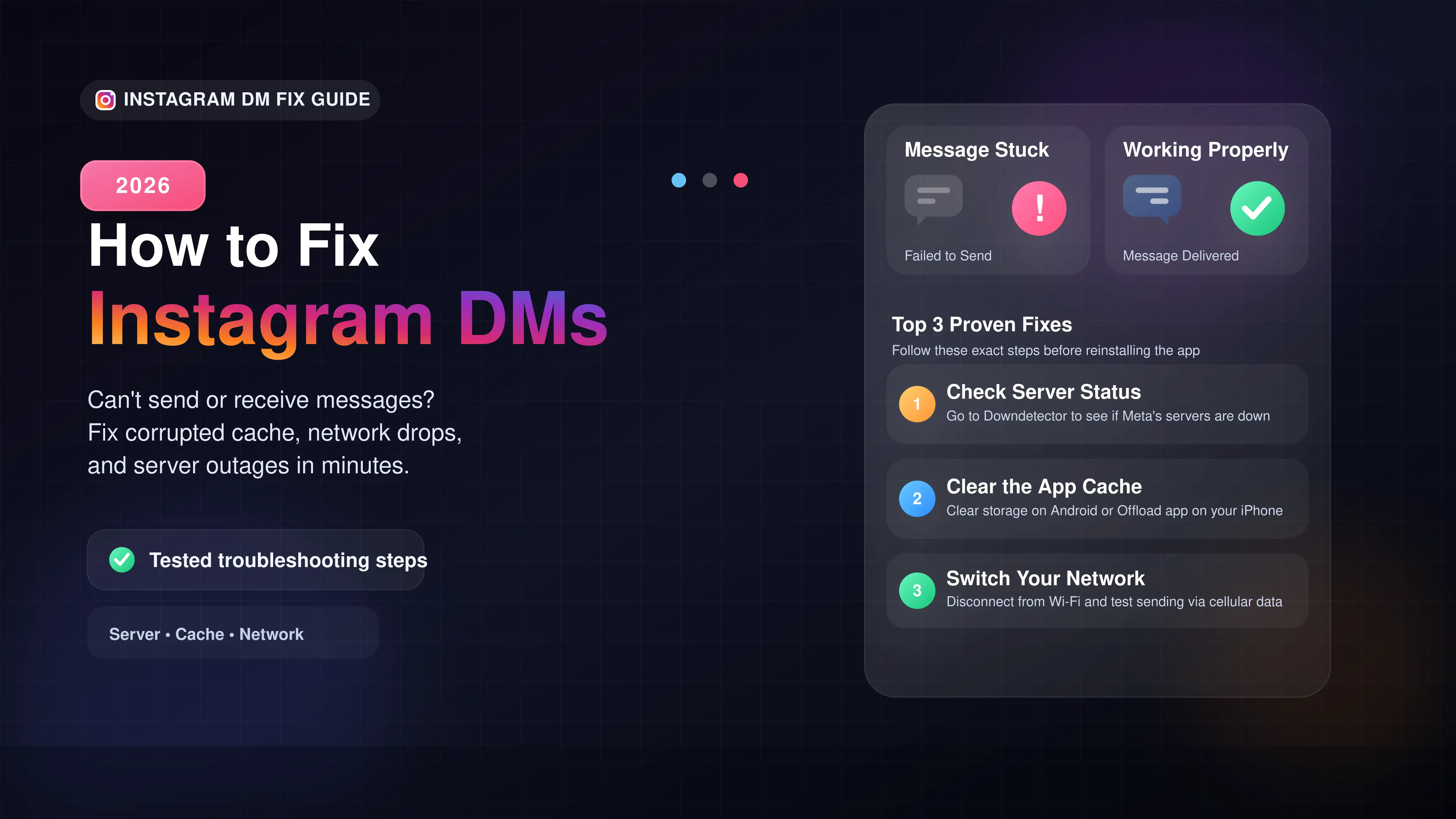
Check Downdetector to see if Instagram servers are down for everyone.
Switch from Wi-Fi to cellular data to rule out network connection blocks.
Clear your Instagram app cache or reinstall the app to fix corrupted data.
Wait 24 hours if you hit the daily limit for sending messages to non-followers.
How to Fix Instagram Messages Not Working
If you cannot send or receive messages on Instagram, the most common culprit is a corrupted app cache or a widespread server outage. In our testing, you can usually fix this glitch in under two minutes without losing your chat history.
Here are the exact troubleshooting steps we use to get DMs working again.
Step 1: Check the Server Status
Before you change any phone settings, make sure Instagram is actually online. When Meta's servers go down, the Direct Messaging feature is usually the first thing to break.
Step 2: Clear the App Cache
If the servers are running fine, your phone's stored data might be causing the freeze.
- For Android Users: Open Settings > Apps > Instagram. Tap Storage, then hit Clear Cache.
- For iPhone Users: iPhones do not have a clear cache button. You must go to Settings > General > iPhone Storage. Find Instagram, tap Offload App, and then reinstall it.
Step 3: Test a Different Network
Sometimes, your Wi-Fi router or office network blocks the specific ports that Instagram uses for real-time messaging.
Common DM Error Codes Explained
If you see a specific message next to your chat, here is a quick guide on what it actually means.
| Error Status | What It Means |
|---|---|
| Failed to Send | Your network dropped, or the user blocked you. |
| Message Not Delivered | The account you messaged is deactivated or deleted. |
| Stuck on Sending... | The app is frozen. Force close Instagram and reopen it. |
The Daily Action Limit Issue
If you send dozens of identical, cold messages to people who do not follow you back, Instagram will temporarily block your messaging ability. This soft ban usually lasts for 24 to 48 hours. The only fix here is patience.








