WhatsApp does not have a feature that lets you see who viewed your profile or profile picture.
Third-party Profile Viewer apps are scams that use random contacts to fake a visitor list.
Never use modded apps like GBWhatsApp, as Meta will temporarily or permanently ban your number.
You can hide your profile picture from specific people by going to Settings > Privacy > Profile Photo.
The Direct Answer: Can You Track Profile Views?
If you are wondering if someone is secretly checking your WhatsApp profile picture, the answer is a hard no. In our testing of the latest WhatsApp privacy protocols, there is no built-in feature that shows who views your profile, your picture, or your text status.
Unlike LinkedIn, WhatsApp does not log or display profile visits. Any website or video claiming otherwise is lying to you.
The WhatsApp Profile Viewer App Scam
A quick search on the app store will reveal dozens of apps promising to show you who viewed your profile. These apps are incredibly dangerous.
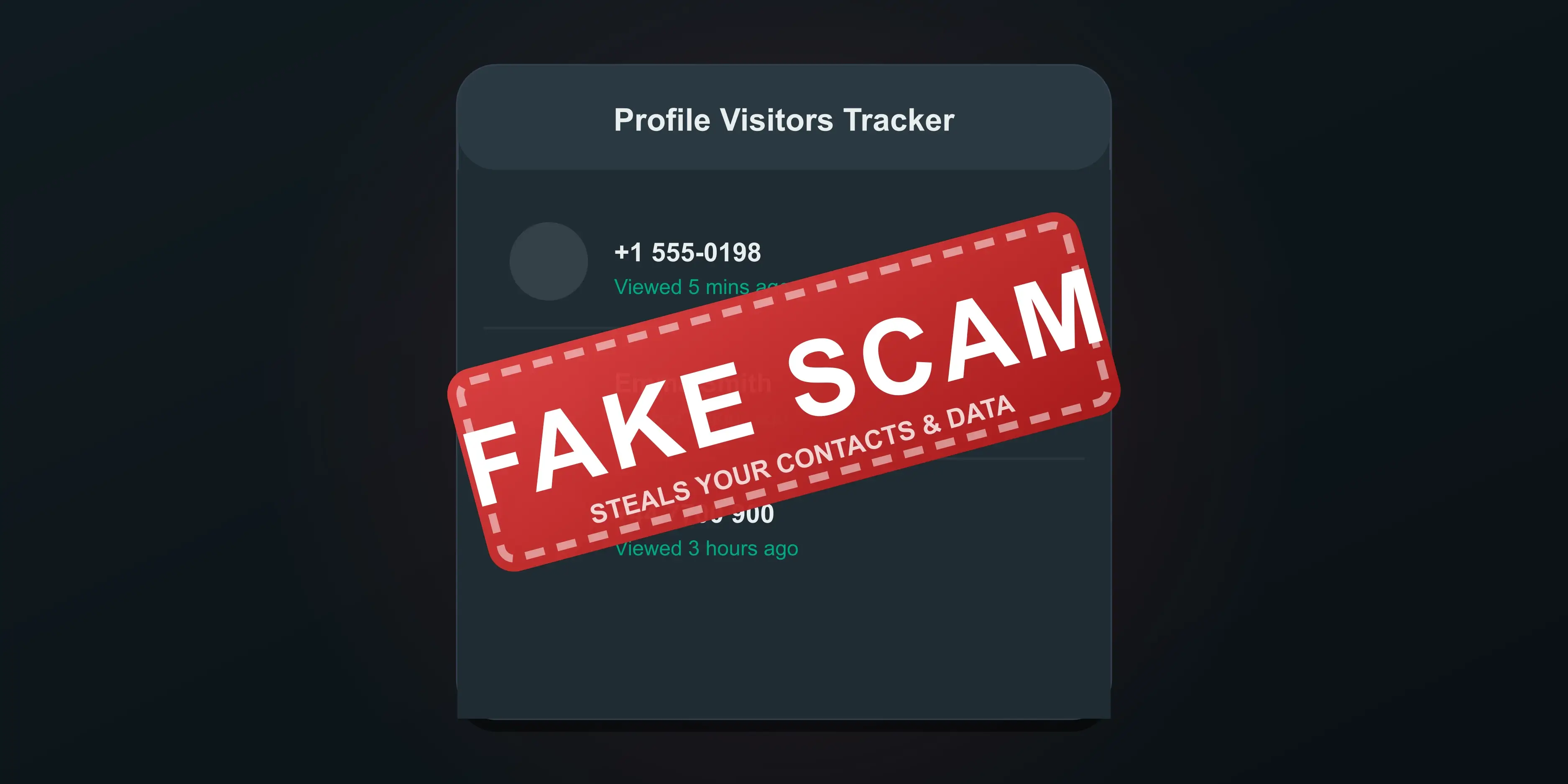
How These Scam Apps Work
These third-party trackers cannot bypass Meta's end-to-end encryption. Instead, they trick you.
- They pull random names from your contact list and pretend these people visited your profile.
- They bombard your phone with aggressive, unskippable advertisements.
- They request invasive permissions to access your photos, messages, and location data.
The Danger of Modded Apps (GBWhatsApp)
Some users try to download unofficial, modded versions of the app, such as GBWhatsApp or WhatsApp Plus, believing these versions unlock hidden tracking features.
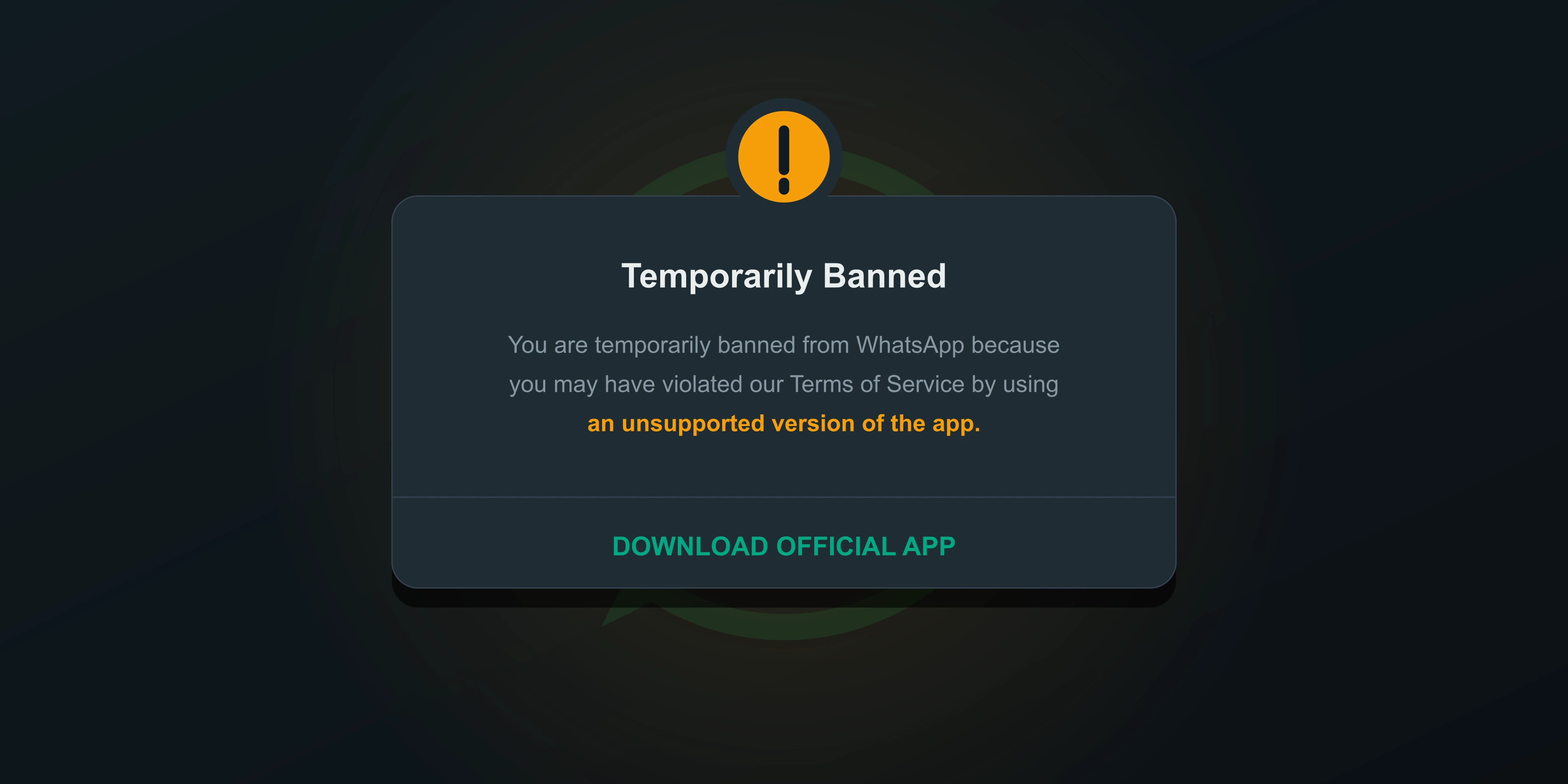
Using a modded app exposes your private chats to unknown developers. Furthermore, Meta actively detects these unauthorized versions.
What Can You Actually Track?
While profile views remain entirely private, WhatsApp does give you visibility over other interactions. Here is what you can and cannot track.
| Interaction Type | Can You See Who Viewed It? |
|---|---|
| Profile Picture | No |
| About Status Text | No |
| WhatsApp Status (Stories) | Yes (If Read Receipts are turned on) |
| Direct Messages | Yes (Blue checkmarks indicate it was read) |
How to Hide Your Profile Picture from Stalkers
If you are worried about strangers or specific contacts looking at your photo, you can restrict access directly inside the official app.
- Open WhatsApp and go to Settings.
- Tap on Privacy, then select Profile Photo.
- Change the setting from Everyone to My Contacts Except... and select the people you want to block.








