A missing Shazam result is rarely a platform glitch; it is almost always a delayed audio fingerprint or a metadata processing error from your distributor.
Shazam does not read file names; it reads sound. If the master audio you promote on TikTok differs slightly from the one you distributed, Shazam will fail to match them.
Impatience kills recognition. Replacing or re-uploading your audio file mid-release breaks the fingerprinting cycle and delays your catalog placement even further.
Shazam is the gateway to the Apple Music ecosystem. A failed Shazam scan is a permanently lost listener in your discovery funnel.
Treat Shazam readiness as a critical part of your technical release engineering, not just an automatic bonus that happens after upload.
You did everything right. You spent months perfecting the mix. You uploaded the track to your distributor weeks in advance. Release day arrives, the song is live on Spotify and Apple Music, and the artwork looks incredible. Then, a fan hears the track on a TikTok video or at a club, tries to Shazam it, and gets nothing. "No Result Found."
That moment hurts because it feels like your release is invisible to the world. In the vast majority of cases, the real problem is not a bug with the Shazam app. The issue lies in the hidden technical layer underneath your release: audio fingerprinting, catalog matching, and metadata consistency.
What Actually Happens When Someone Shazams a Song?
Most independent artists think Shazam works like a text-based search engine. It does not. It works purely on pattern recognition. When a user taps the Shazam button, the app records a few seconds of audio, creates a complex digital spectrogram of the frequencies, and tries to match that exact "sonic fingerprint" against millions of processed catalog entries in its database.
This means your song needs more than just a title and cover art to be discovered. It needs a clean, perfectly stable fingerprint that precisely matches the exact audio version listeners are hearing in the wild.
The Audio Fingerprint Problem Most Artists Miss
An audio fingerprint is not a simple file name check. It is based on the mathematical shape of the sound itself. If you change the intro length, trim a second of silence, boost the loudness (mastering), or swap the file after delivery, you completely destroy the original fingerprint.
We constantly see releases stall because an artist sent one WAV file to their distributor, but then promoted a slightly different, unmastered "teaser cut" on Instagram Reels. The fan Shazams the reel, but the audio does not match the official distributed master. The result? Total failure.
How to Fix a Broken Audio Fingerprint
If you realize you have promoted a different audio cut than the one you officially distributed, waiting will not fix the problem. The audio out in the wild will never match the database. Here is how you solve an actual fingerprint mismatch:
- Identify the Source of the Mismatch: Are fans Shazaming a TikTok sound you uploaded manually? If your manually uploaded TikTok sound is slightly pitched or trimmed, Shazam cannot connect it to your distributed master.
- The Fix: Stop Using Manual Audio. Delete the manually uploaded sound from social platforms. Wait for your distributor to officially deliver your audio to the TikTok/Instagram library, and force fans to use the official sound byte. The official social audio uses the exact same fingerprint as the Apple Music master.
- What If the Master Was Wrong? If you genuinely distributed the wrong WAV file, you cannot just "edit" it. You must do a Takedown and Re-Release. Pull the release via your distributor. Re-upload the correct, final master using the exact same ISRC code. It will generate a new fingerprint, but retain your streaming numbers on Spotify. Expect a 7 to 10-day delay for the new fingerprint to index.
Why Your Song Is Live but Still Not Recognized
Being fully playable on Spotify or Apple Music does not mean every downstream recognition layer is fully ready. There is often a significant lag between release availability and the moment the Shazam recognition engine can confidently match the track.
This is where impatient artists kill their own momentum. They panic on release day, assume the upload is broken, and instruct their distributor to pull the release and re-upload it. This resets the entire fingerprinting cycle, ensuring the song remains unrecognized for another two weeks. If the audio is correct, do nothing. Just wait.
| The Issue | What It Looks Like | The Best Fix |
|---|---|---|
| Song not found at all | Shazam returns "No Result" | Wait 48 hours for full catalog propagation. Do not re-upload. |
| Wrong version appears | An old mix or acoustic version shows up | Ensure ISRC codes are distinct for different versions. |
| Fingerprint Mismatch | TikTok audio fails to scan | Use the official distributor-delivered TikTok sound, not a manual upload. |
| Metadata is broken | Wrong artwork or spelling | Request a metadata update via your distributor. DO NOT re-upload audio. |
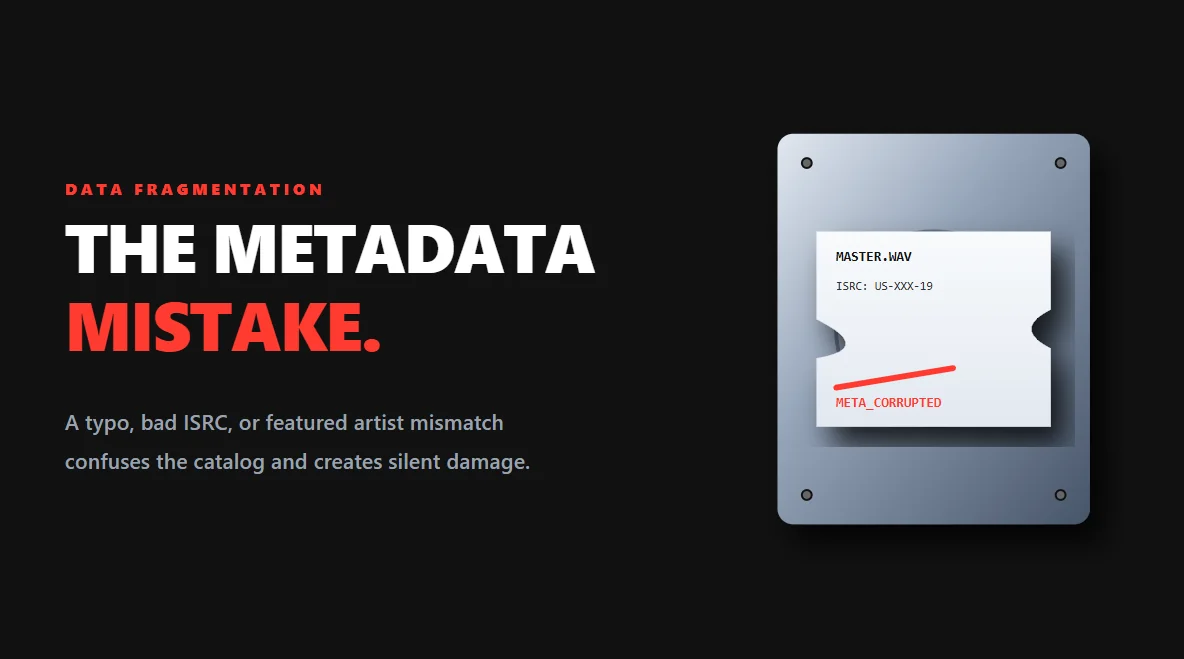
The Metadata Mistake That Creates Silent Damage
Metadata errors (like a typo in the title or a missing featured artist) do not always block a release from going live. Instead, they do something worse: they fracture your data. If your song goes viral on TikTok under a slightly different title variation than what was delivered to Apple, the catalog matching system gets confused.
This is why major record labels obsess over boring administrative details. Metadata hygiene is your discovery infrastructure.
How the Shazam-to-Apple Pipeline Works
Shazam is not just a standalone novelty app anymore; it is owned by Apple and sits deeply embedded inside the iOS ecosystem. When recognition works perfectly, it removes all friction between listener curiosity and actual conversion. A listener hears the track, identifies it in three seconds, and taps one button to add it to their Apple Music or Spotify library.
A failed Shazam scan hurts twice: You lose the immediate listener, and you lose the algorithmic signal that tells Apple Music your song is generating real-world interest.
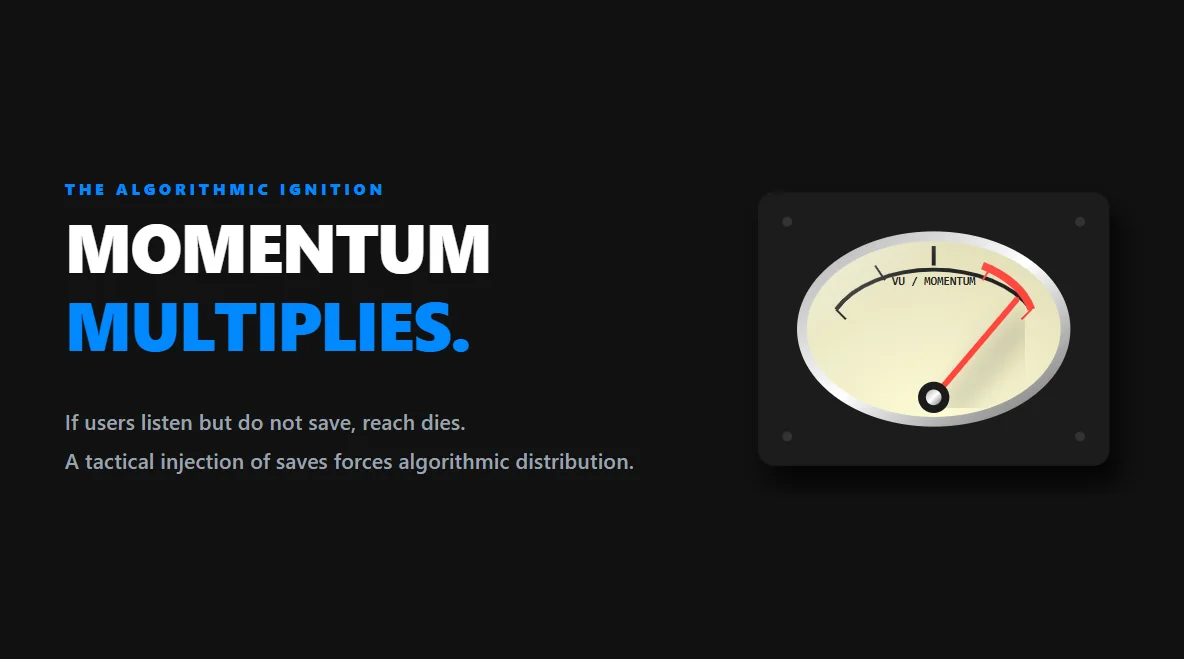
The "Algorithmic Ignition" Strategy
Getting your song recognized on Shazam is only half the battle. Once a user clicks through to Spotify or Apple Music, the streaming platform's algorithm starts judging how that user interacts with your track. The most powerful signal you can send to the Spotify algorithm in your first week is the Save Rate (adding to library/playlists). If users listen but do not save, the algorithm assumes the song is forgettable and kills your organic reach.
To ensure their new releases trigger algorithmic playlists (like Release Radar and Discover Weekly), smart independent artists execute an "algorithmic ignition" strategy. By driving immediate, high-value Saves during the crucial first 48 hours of release, they feed the platform undeniable engagement data. This tactical, organic injection of intent tricks the ecosystem into believing the song is highly sought after, forcing the algorithm to push the track to a much wider audience.
Music discovery in 2026 is brutally fast. If someone cannot identify your track instantly, they will move on. Treat Shazam readiness not as an optional bonus, but as the foundational infrastructure of your release strategy.








