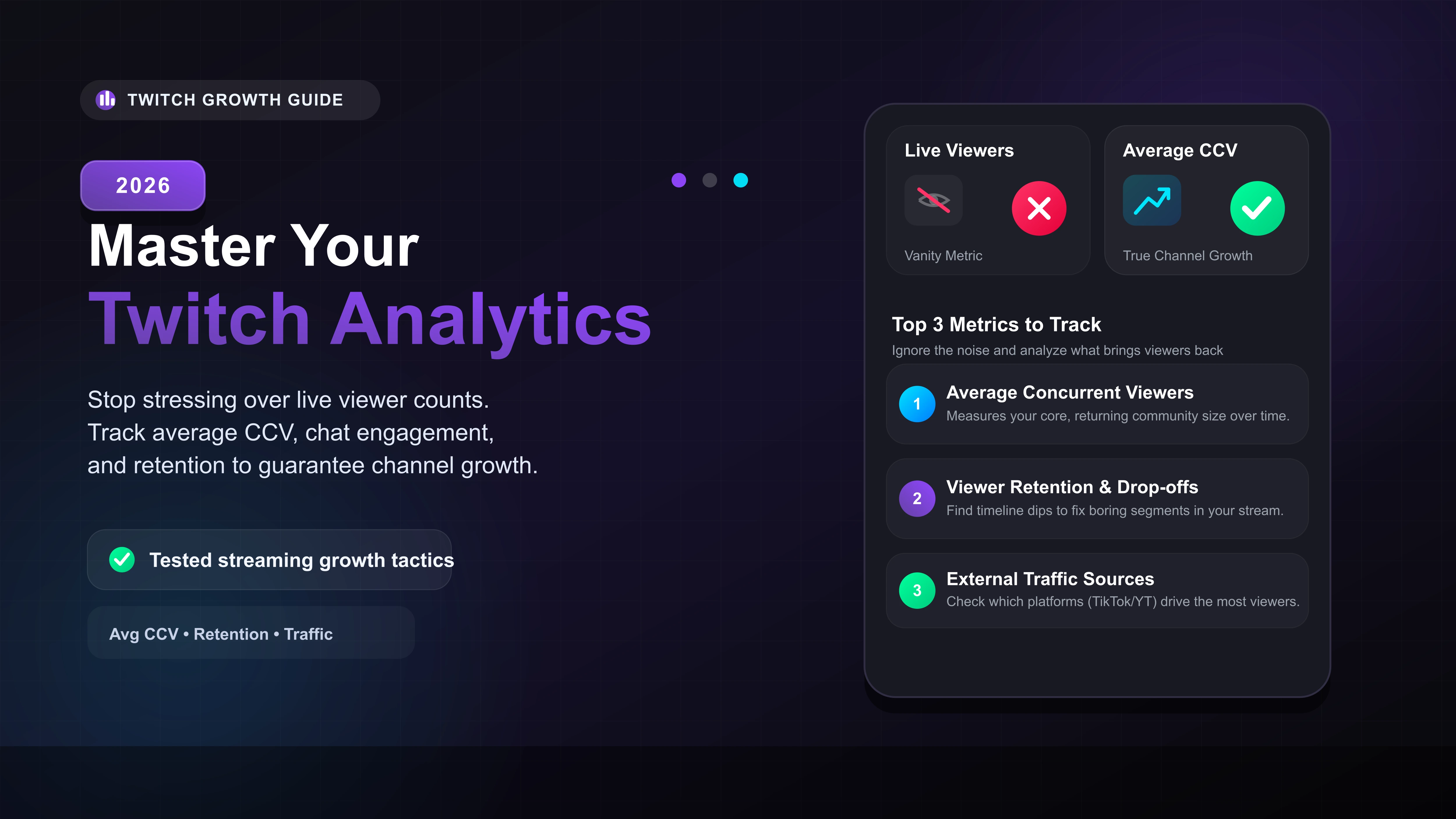
Turn off the live viewer count in your broadcasting software to maintain high energy.
Focus entirely on your Average CCV to measure real community growth.
Find drop-off points in your timeline graph to fix boring segments in your stream.
Check your traffic sources to see which social media platform brings you the most viewers.
The Secret to Reading Twitch Analytics
If you want to grow your Twitch channel, you must stop staring at your live viewer count while broadcasting. Constantly checking your numbers kills your energy and ruins the stream for the people who are actually watching.
The best streamers ignore the live count entirely. Instead, they dig into their Creator Dashboard immediately after the broadcast ends. Here is exactly what data you should look at to guarantee channel growth.
Which Twitch Metrics Actually Matter?
When you open your Stream Summary, you will see a massive wall of data. Do not get overwhelmed. You only need to track three specific metrics to see if your community is actually growing.
1. Average Concurrent Viewers (CCV)
Many creators obsess over their Peak Viewers. This is a vanity metric. If a massive streamer raids you, your peak viewers will spike, but those random people usually leave within ten minutes.
Your Average CCV is the true heartbeat of your channel. If your average CCV slowly increases week over week, it means your core community is coming back and staying longer.
2. Viewer Retention and Drop-offs
Look at the timeline graph in your summary. Find the exact moments when your view count dropped sharply. Did you spend 20 minutes in a silent game lobby? Did you stop reading chat?
3. Chat Engagement Score
Having hundreds of passive lurkers is great for your total views, but a dead chat makes the stream feel empty. Divide your total unique chatters by your average viewers. If less than 10% of your audience is talking, you need to ask better questions and involve chat directly in your gameplay decisions.
Where Are Your Viewers Coming From?
At the bottom of your Stream Summary, Twitch shows you your traffic sources. In our testing, relying strictly on the Twitch Browse Page is a terrible growth strategy. Discoverability on the platform is incredibly low for new creators.
Check if your viewers are coming from external sites like YouTube Shorts or TikTok. If 80% of your new followers come from a specific TikTok video, you know exactly where to spend your marketing energy to bring in more viewers.
| Metric Type | Examples | What It Tells You |
|---|---|---|
| Vanity Metrics | Peak Viewers, Total Follows | Looks good, but does not indicate a loyal, returning audience. |
| Growth Metrics | Average CCV, Unique Chatters | Proves you are building a real community that engages with your content. |
| Acquisition Metrics | Views from outside Twitch | Shows which of your other social media accounts is driving the most traffic. |








