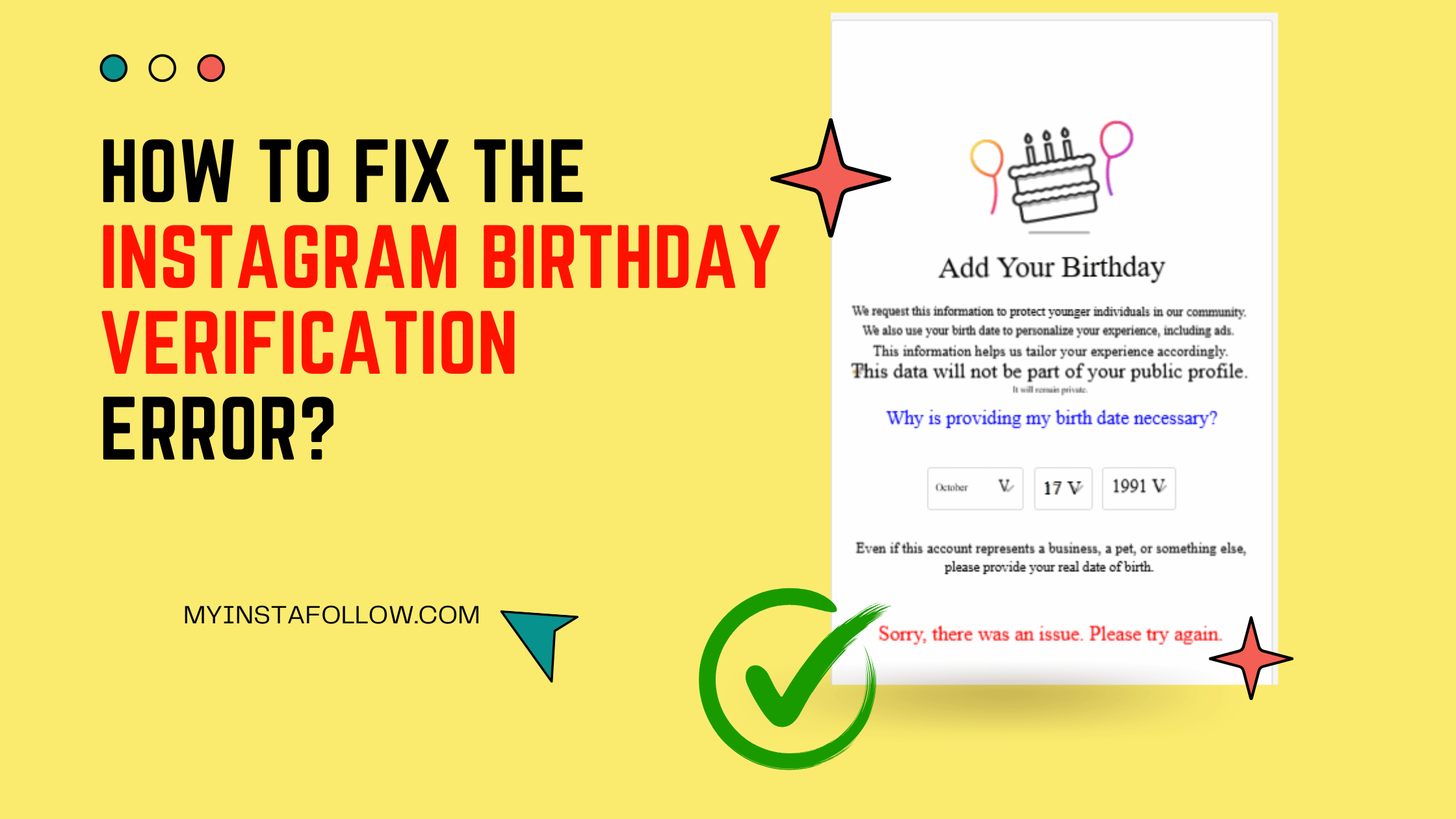
Instagram may block birthday verification if multiple attempts are made from the same IP or if the birthdate does not match the original one used during signup.
Many Instagram users encounter a birthday verification issue where their birthdate is not accepted, preventing access to their account. This problem typically arises due to security measures in place to prevent unauthorized access. Below are the two most effective solutions to resolve this issue.
Solution 1: Avoid Repeated Attempts from the Same IP
Important: Instagram may block verification attempts if multiple failed tries are made from the same IP address
✅ If you have repeatedly entered your birthdate incorrectly, Instagram might temporarily lock your verification process.
✅ Try switching to a different Wi-Fi or mobile network.
✅ Use a different browser or Incognito Mode to complete the verification.
✅ If using a VPN, disable it and attempt verification again.
Solution 2: Enter the Original Birthdate You Used When Signing Up
Tip: If Instagram is not accepting your birthdate, it is likely because it does not match the one you originally provided when creating your account.
✅ Make sure to enter the exact birthdate you used when signing up.
✅ If you are unsure, check any old Instagram registration emails for your birthdate information.
✅ If your date of birth was entered incorrectly when creating your account, you may need to contact Instagram Support for further assistance.
Final Thoughts
Instagram’s birthday verification process is in place to protect users and comply with age restrictions. If you are unable to verify your birthday, make sure to avoid repeated attempts from the same IP and use the correct birthdate. Following these two solutions should help you complete the verification process successfully.