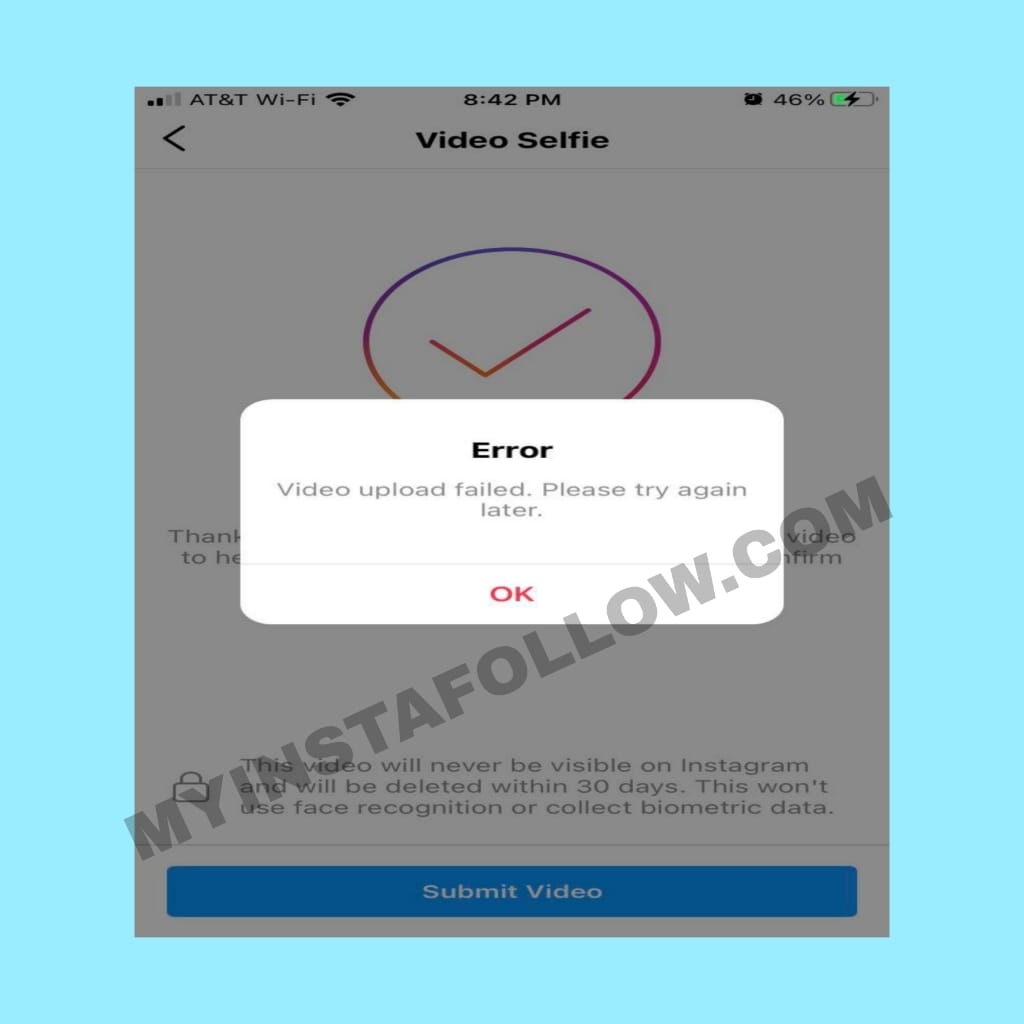
Why the Instagram Selfie Verification Fails
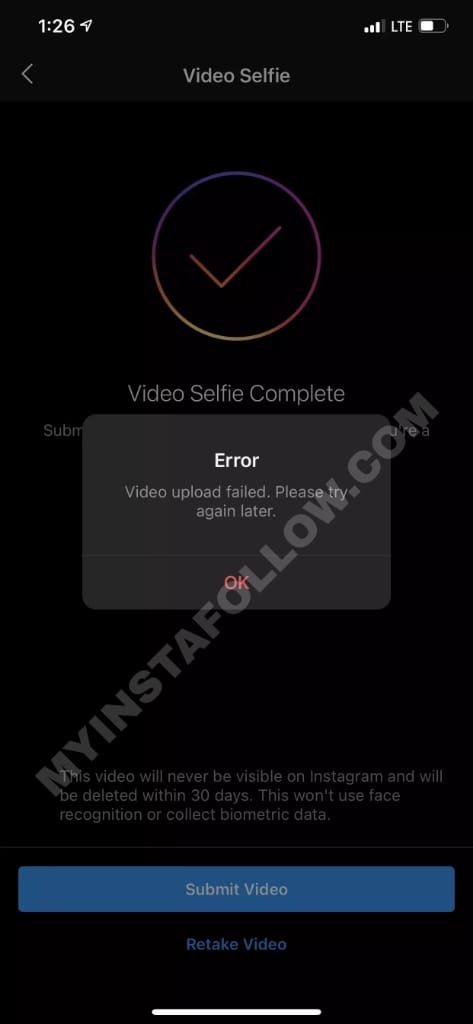
Instagram’s "Video Selfie" is a security measure designed to prove you are a real human and not an automated bot. However, it is notorious for glitching. You might experience a black screen, an "Upload Failed" message, or an endless loading loop. This usually happens due to camera permission conflicts, corrupted app cache, or unstable network uploads.
Top 4 Proven Fixes for the Selfie Verification Error
1. Clear App Cache and Force Restart (Android)
Most upload errors are caused by temporary files clogging the app's memory. On Android, go to Settings > Apps > Instagram > Storage and tap Clear Cache. (Do not clear data, or you will be logged out). Restart your phone and try the selfie again. iPhone users should offload the app via Settings > General > iPhone Storage to achieve a similar result.
2. Check Camera and Storage Permissions
If the camera screen is black, Instagram likely doesn't have permission to use your hardware. Navigate to your phone's Privacy/Permissions settings, find Instagram, and ensure that Camera, Microphone, and Files/Media are all set to "Allow while using the app."
3. Use Cellular Data Instead of Wi-Fi
Verification videos are high-resolution files. Some Wi-Fi networks have strict upload limits or firewalls that block the encrypted tunnel Instagram uses for security data. Switch off your Wi-Fi and use your 4G/5G cellular data. It provides a more direct, stable connection to Meta's security servers.
4. Clean Your Lens and Lighting
The AI algorithm fails if it cannot clearly see your facial features (eyes, nose, mouth). Ensure you are in a well-lit room with natural light. Wipe your front-facing camera lens. If the AI detects a "blurry" image, it will automatically cancel the upload to prevent fraud.
Warning: Avoid Third-Party "Bypass" Tools
Never use Android emulators or "modded" Instagram APKs to bypass verification. Instagram's system can detect hardware spoofing. Using these tools will lead to a permanent device ban, making it impossible to ever use Instagram on that phone again. Stick to the official app and be patient with the process.


