The Honest Truth About Instagram Follow Requests
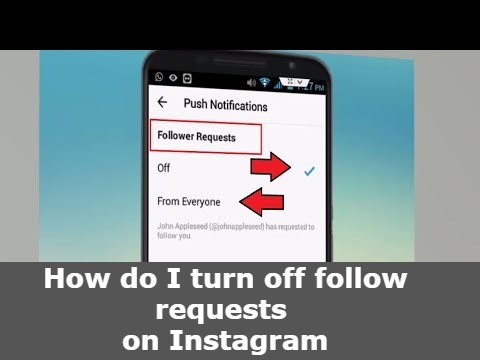
If you are overwhelmed by hundreds of pending follow requests and are desperately looking for a "Turn Off Requests" toggle in your settings, we have to burst the bubble: That button does not exist.
Instagram handles incoming followers based entirely on your account's global privacy status. You cannot remain a private account while simultaneously blocking people from requesting to follow you. However, you can manage how these requests are handled by understanding the system architecture.
The Only Way to Stop the Request Queue: Go Public
If you are tired of manually tapping "Approve" or "Delete" on every single person, the only solution is to switch your account from Private to Public. When you have a public account, anyone who taps "Follow" becomes a follower instantly. The follow request system is completely bypassed.
- Go to your Instagram Profile and tap the three lines in the top right.
- Select Settings and privacy.
- Scroll down to Account privacy.
- Toggle the Private account switch to the OFF (gray) position.
How to Clear a Massive Pending Queue
If you want to stay private, but you have 500+ pending requests clogging up your notification feed, you are in for a tedious task. Instagram purposefully does not offer a "Deny All" or "Delete All" button to prevent accidental mass-rejections.
You must go to your Notifications (Heart icon), tap the Follow requests tab at the top, and manually tap "Delete" on each one. If you delete a request, Instagram does not notify the user. The "Requested" button on their end simply reverts back to "Follow."
Want to Stop Specific People? Use the Block Feature
If there is a specific person (or a bot network) continuously sending you follow requests after you deny them, the only way to permanently stop them is to block their account entirely. This prevents them from ever finding your username or sending future requests.


